Dashboards for Home Assistant
Dashhaus is two finished dashboards for your house, Orb and Field. Install them from the Marketplace and press Create. No terminal, no YAML.
- Install a dashboardFrom the Marketplace in Home Assistant: add the setup card once and press Create.
- Build a skinA look of your own, no code: show an AI agent a picture or describe it, and it builds and deploys it.
Both run live on a demo house. Try one, then press, slide and scroll it.
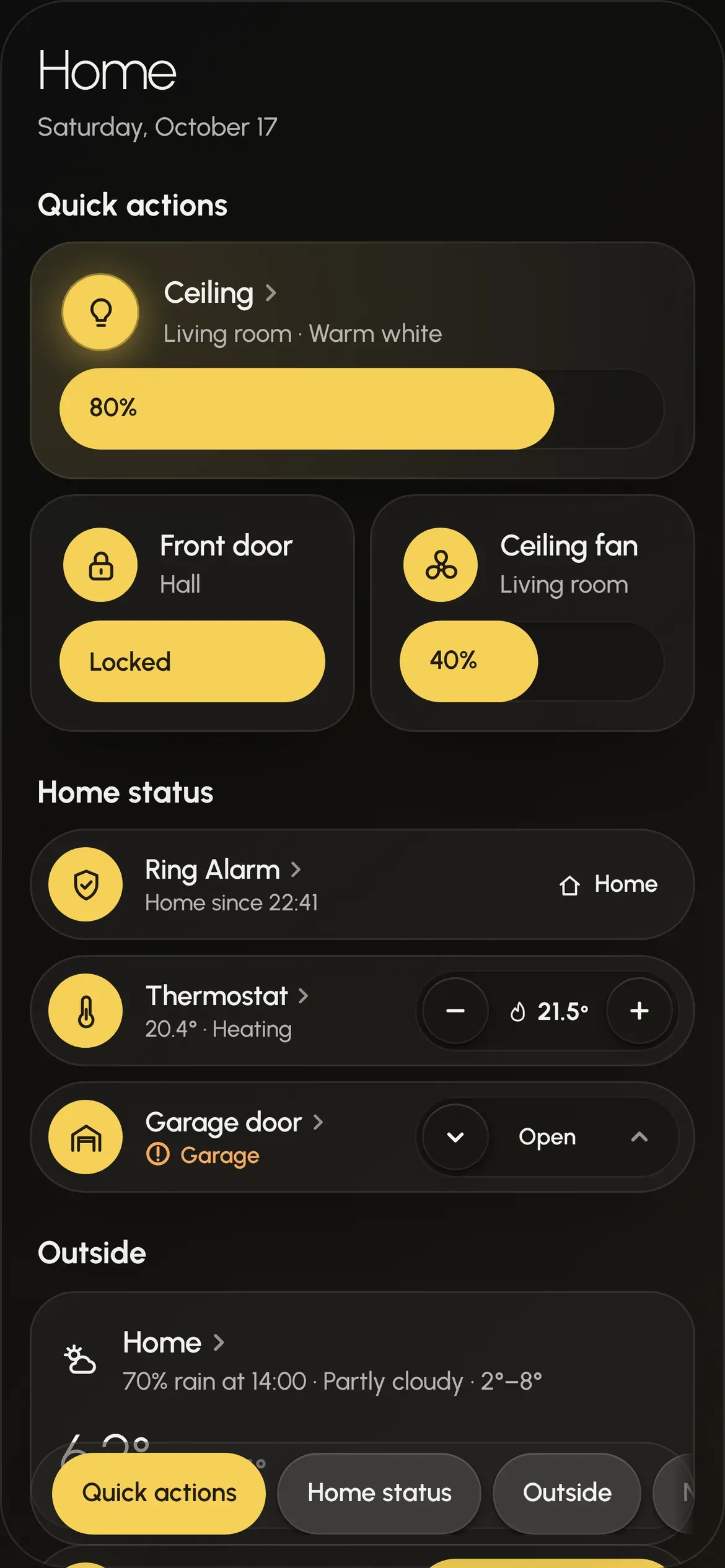
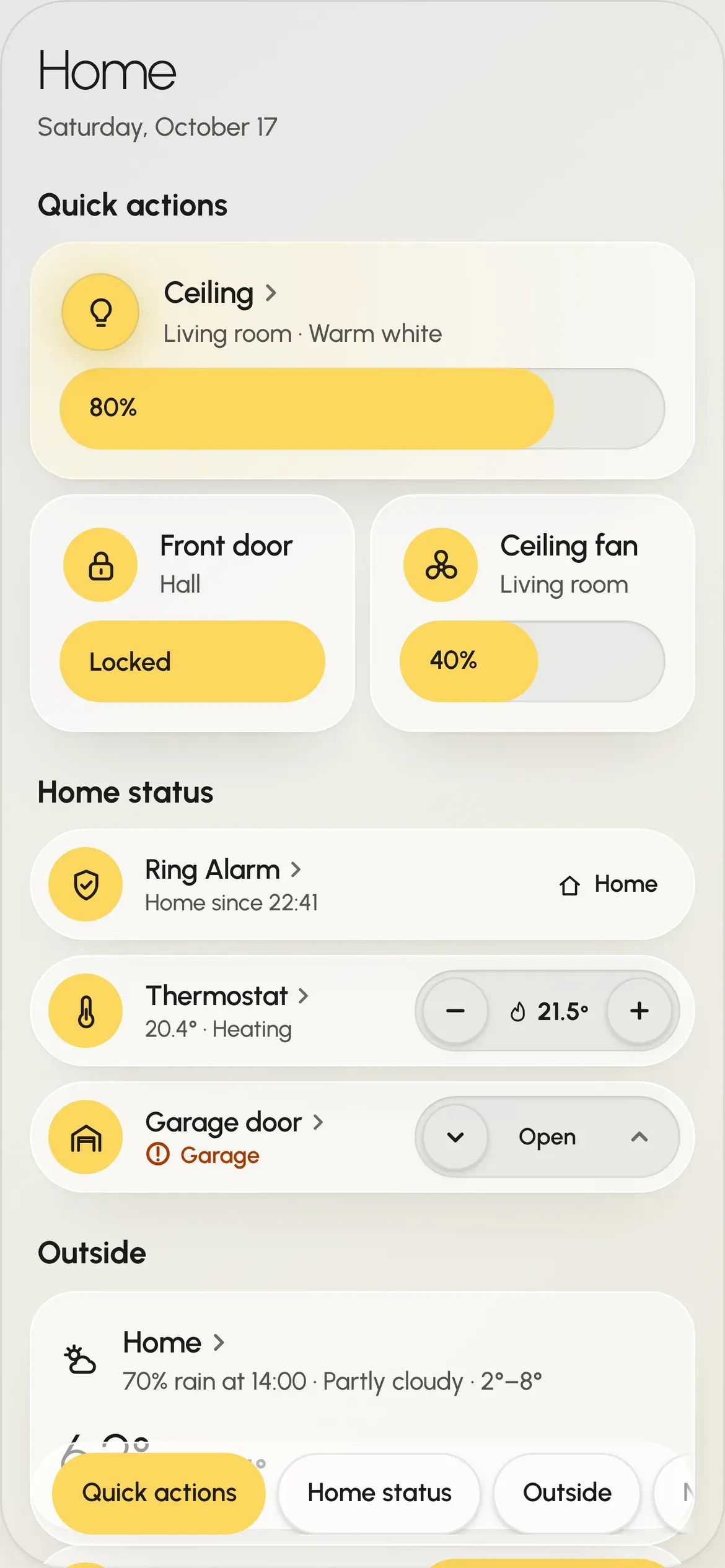
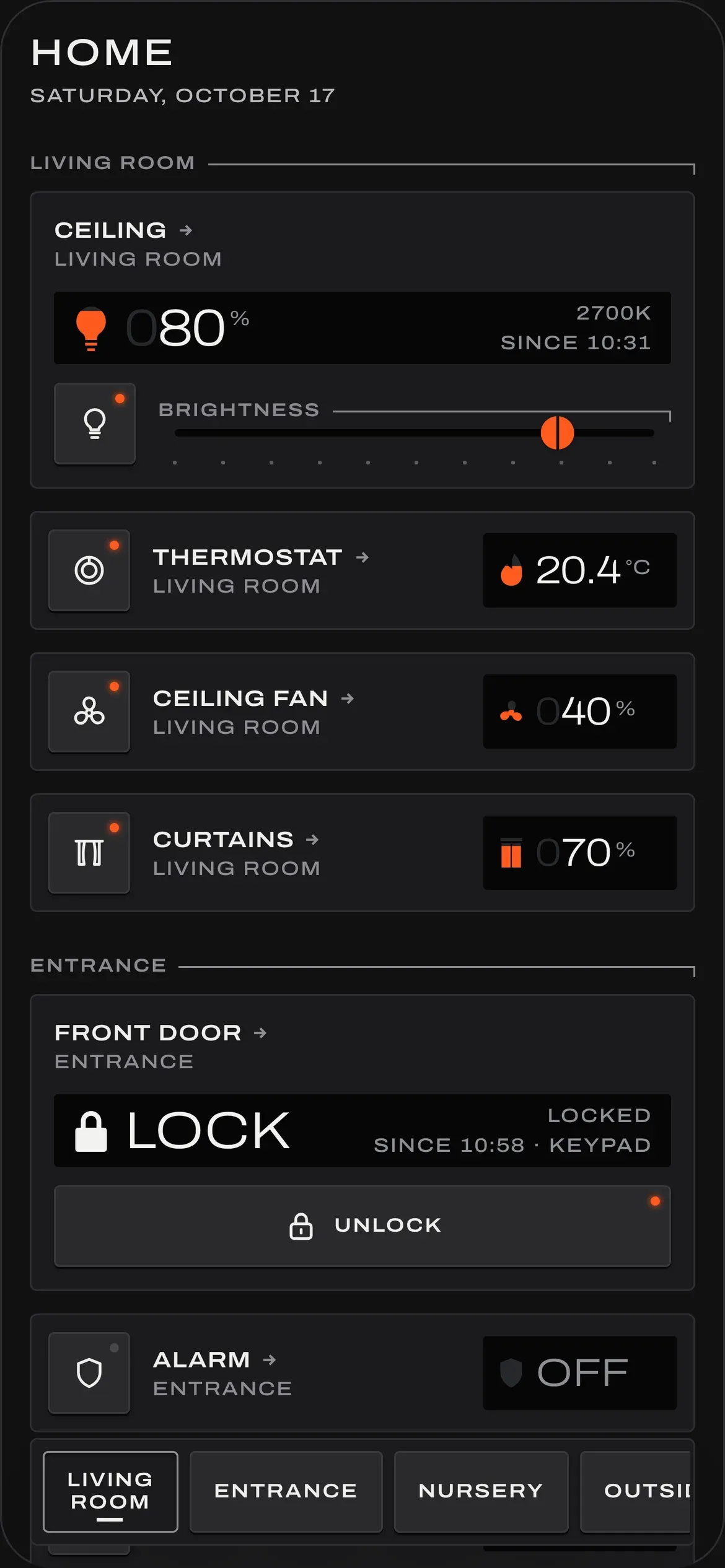
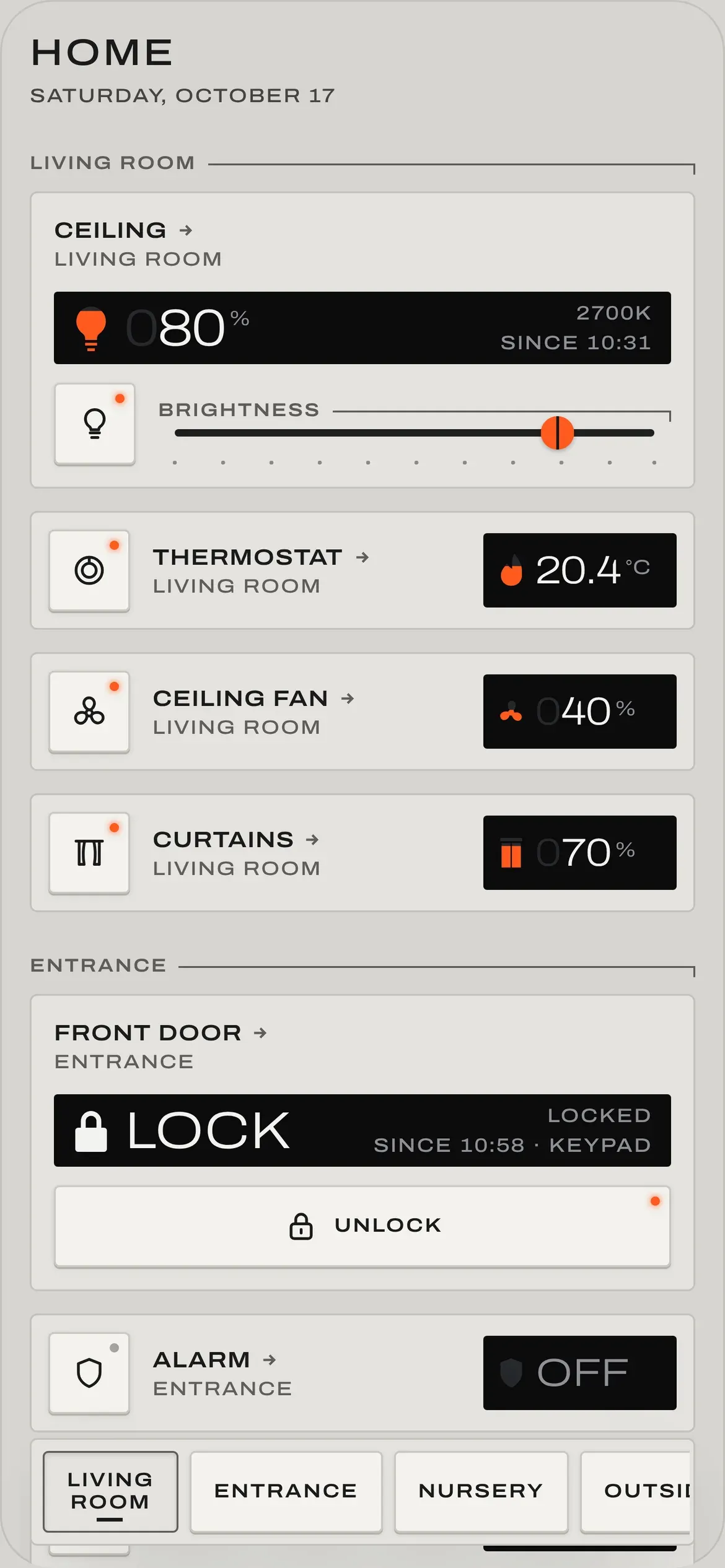
Installed in four steps
All of it in Home Assistant, in your browser, as an administrator. Nothing to install on your computer, no token to copy, and it never changes a dashboard you already have.
Prefer a terminal, or deploying from CI? Deploy from the command line instead. Pick one way: both at once would load Dashhaus twice.
- Download itOpen Dashhaus in your Home Assistant's Marketplace and download it. Before Home Assistant 2026.11, install HACS first; it opens there instead.
- Reload the tabSo Home Assistant loads what it just installed.
- Add the setup cardOn any dashboard: Edit dashboard, Add card, Dashhaus setup.
- Press CreateHome (Orb) and Home (Field) appear in the sidebar, laid out by area. Then remove the card.
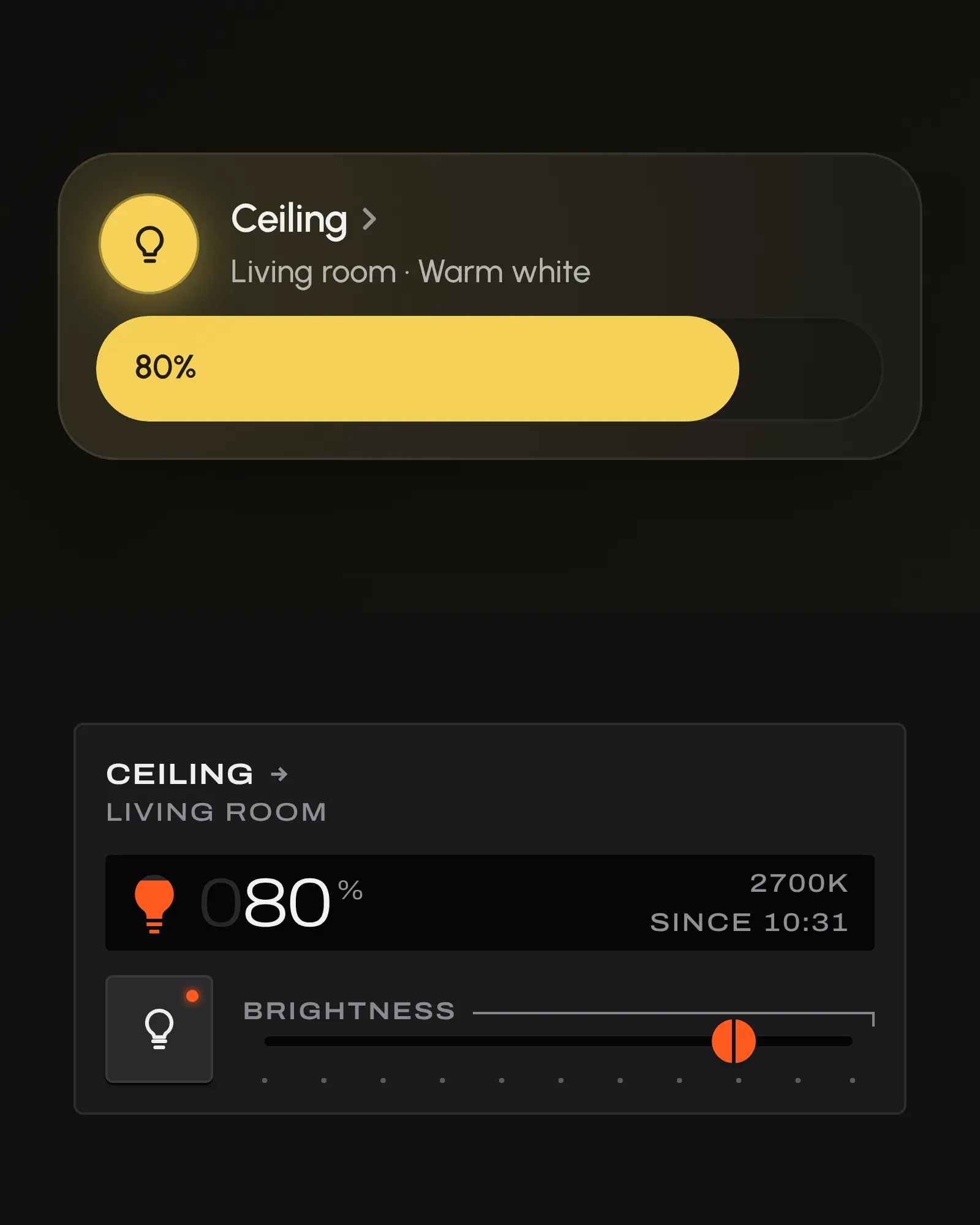
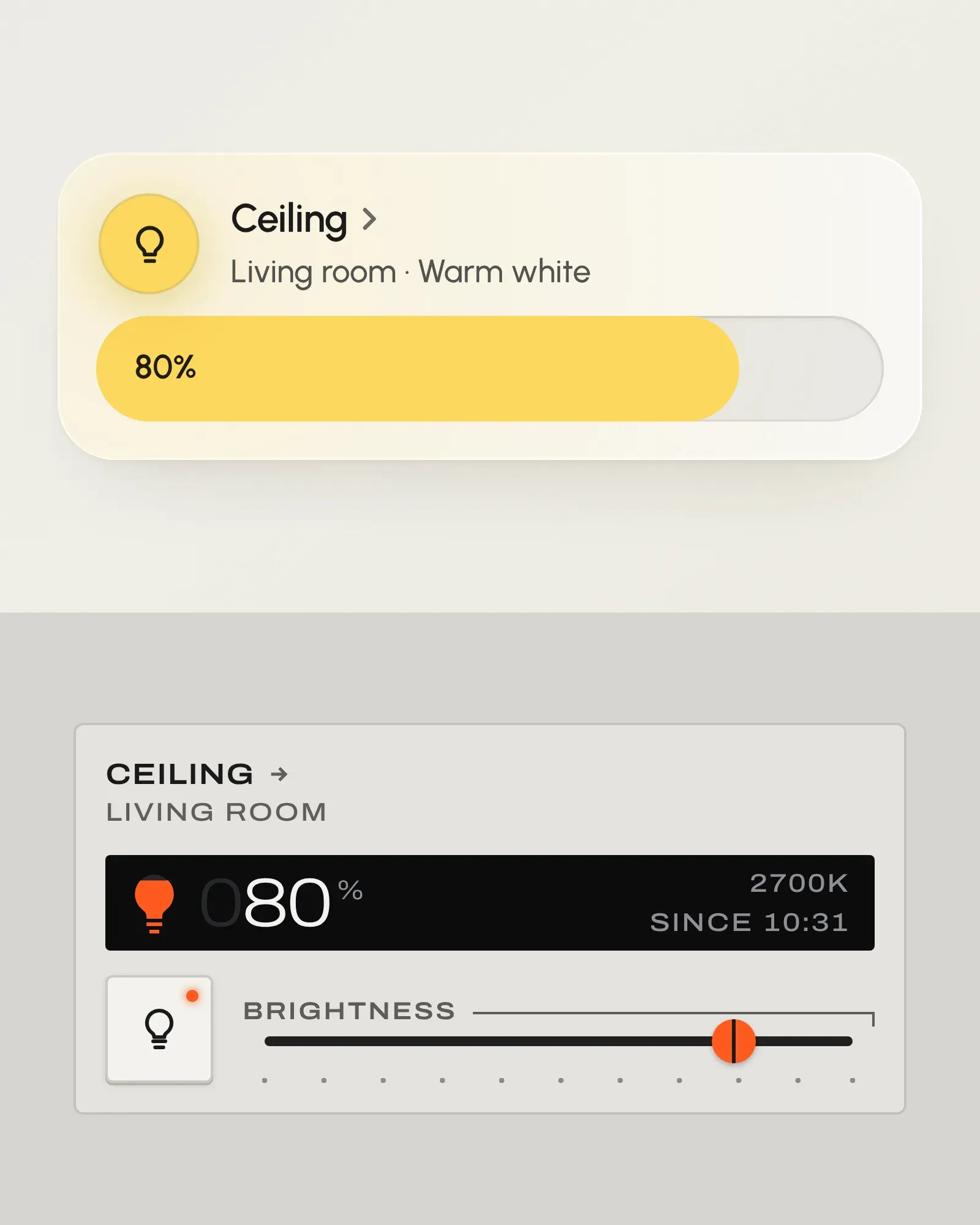
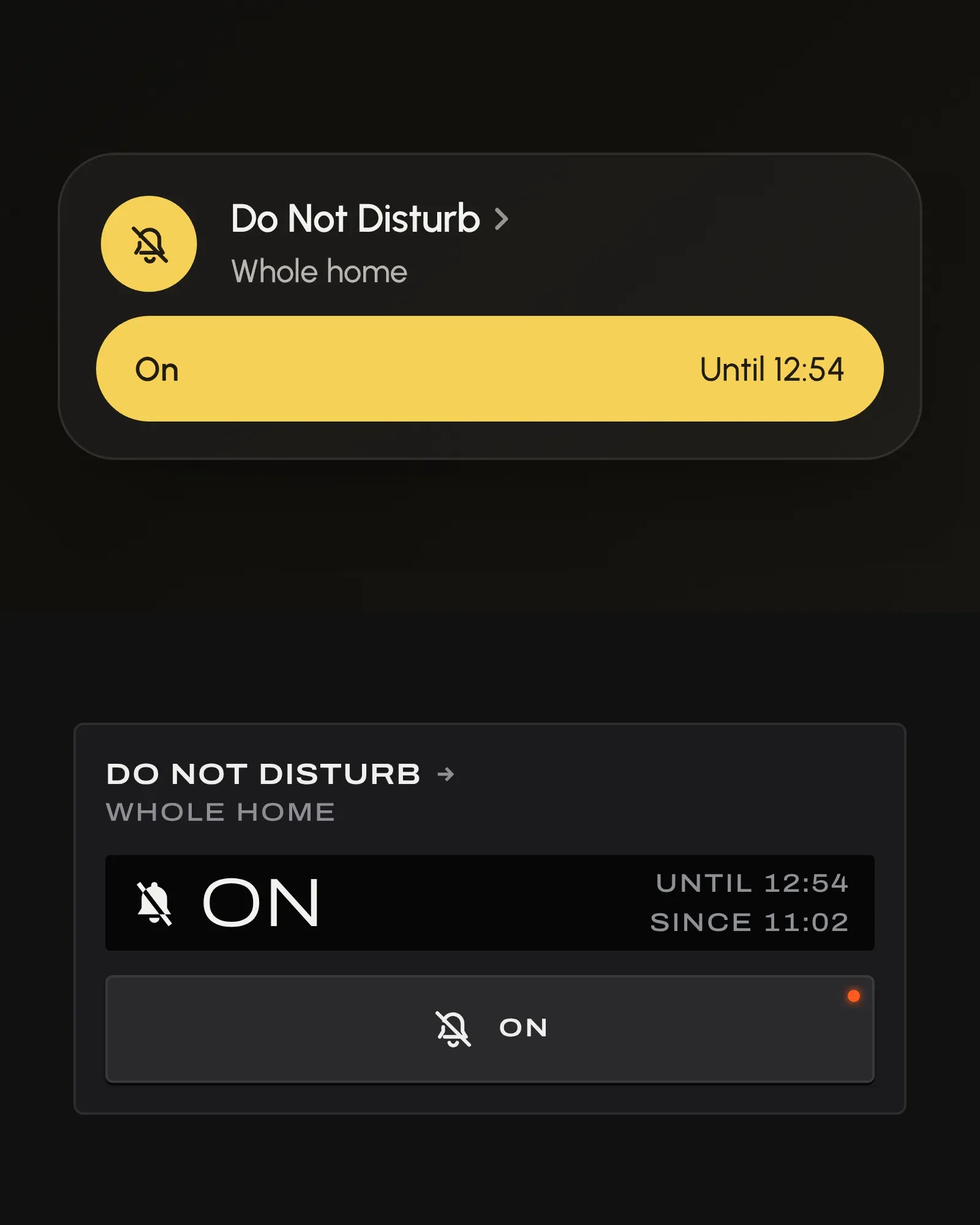
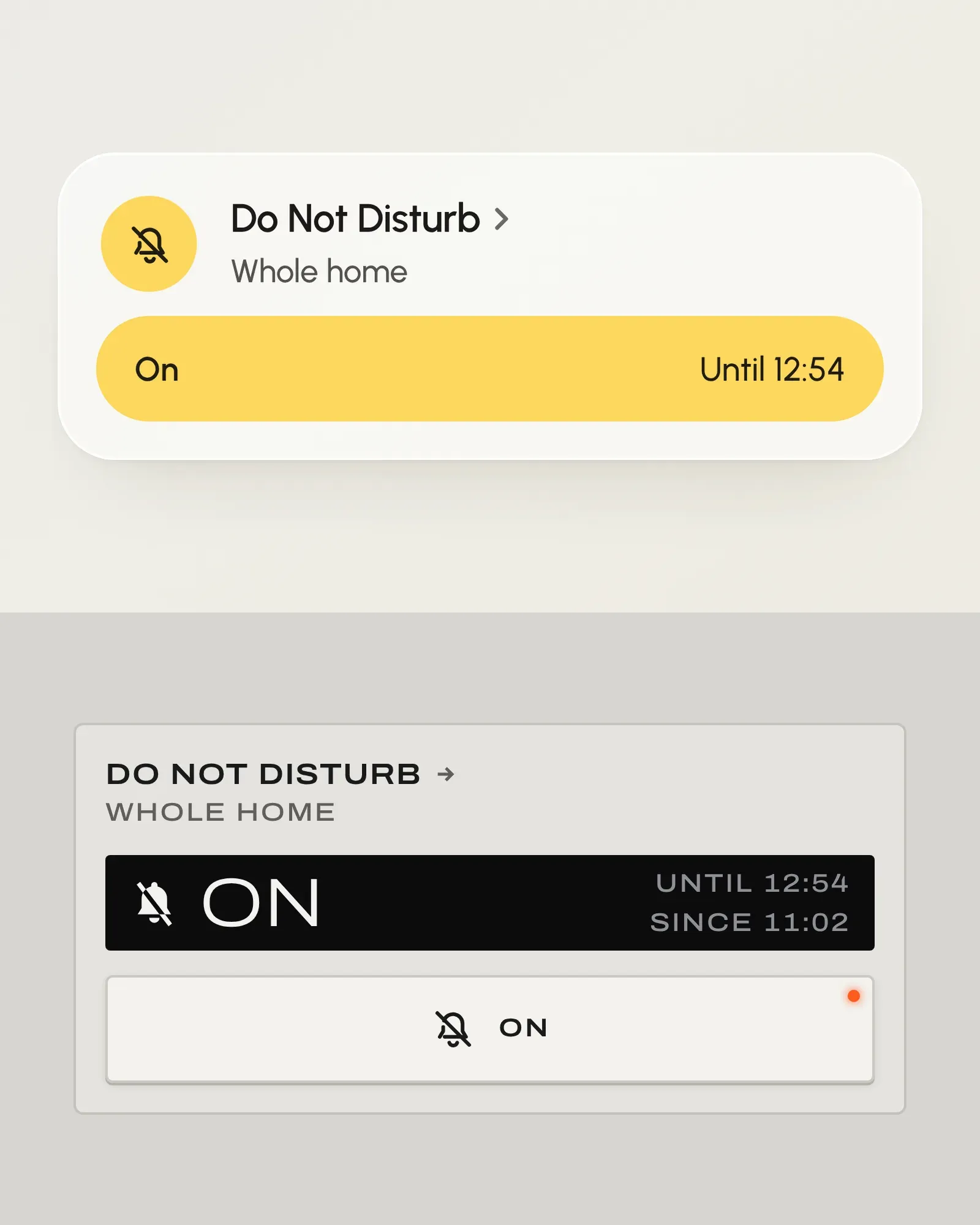
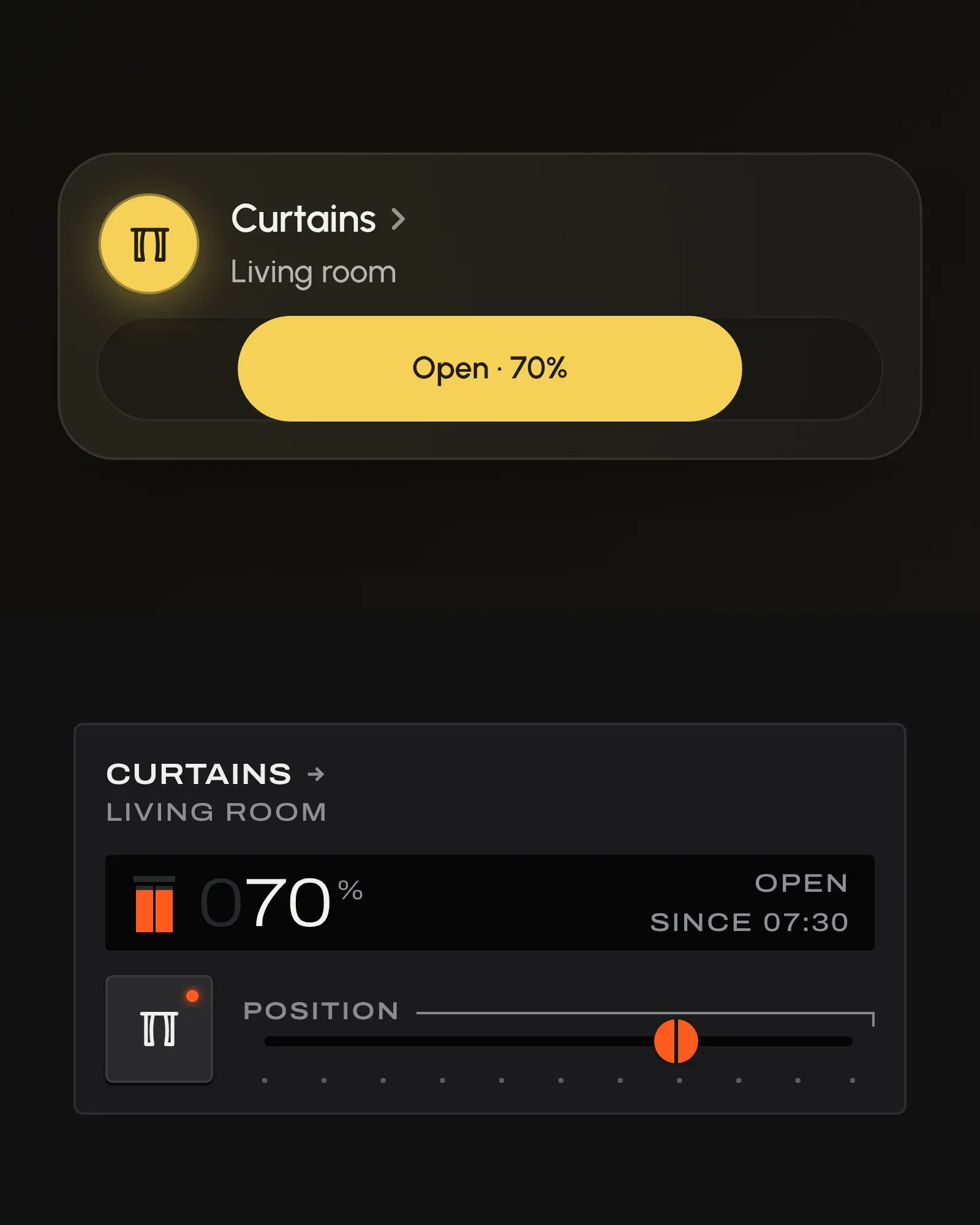
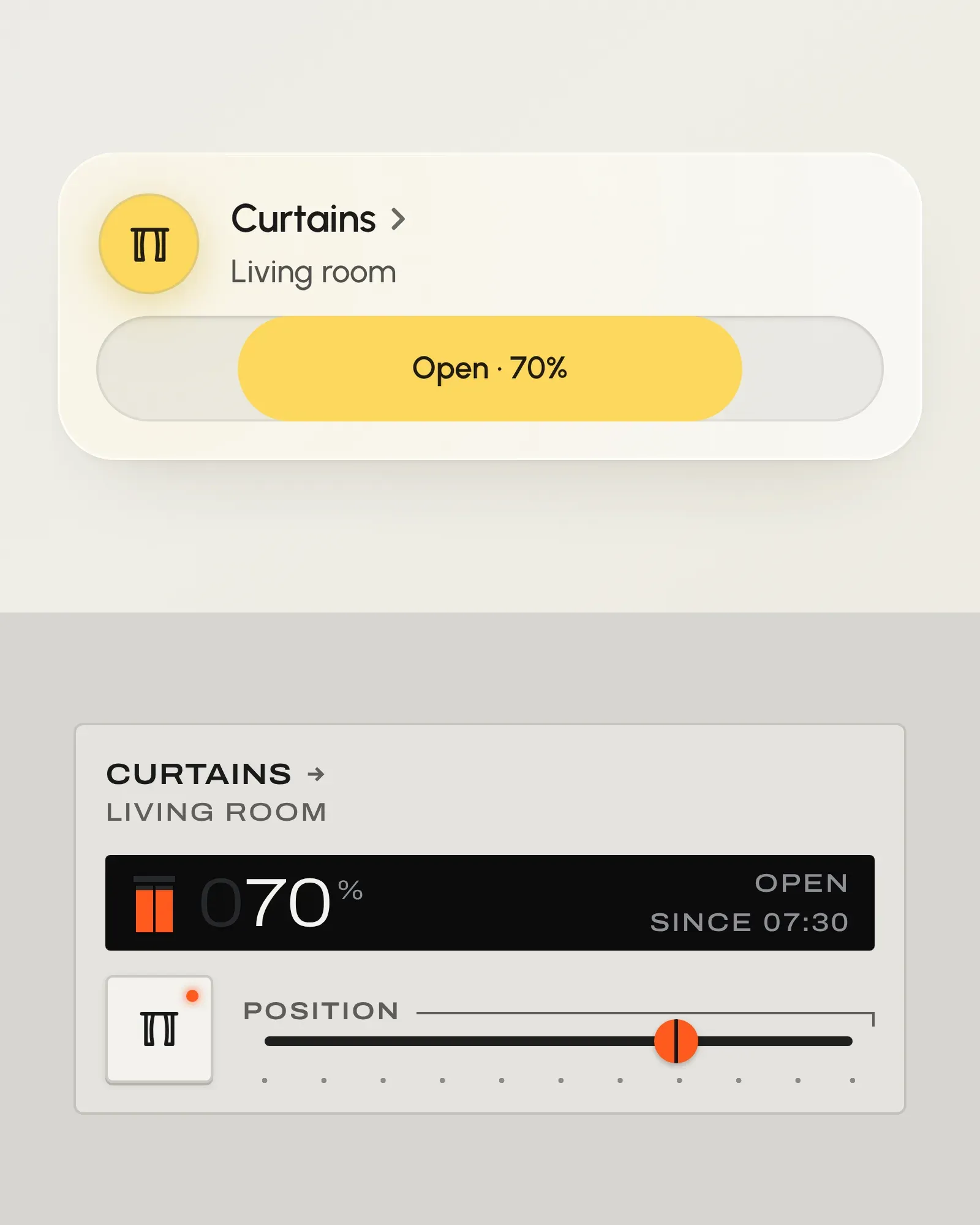
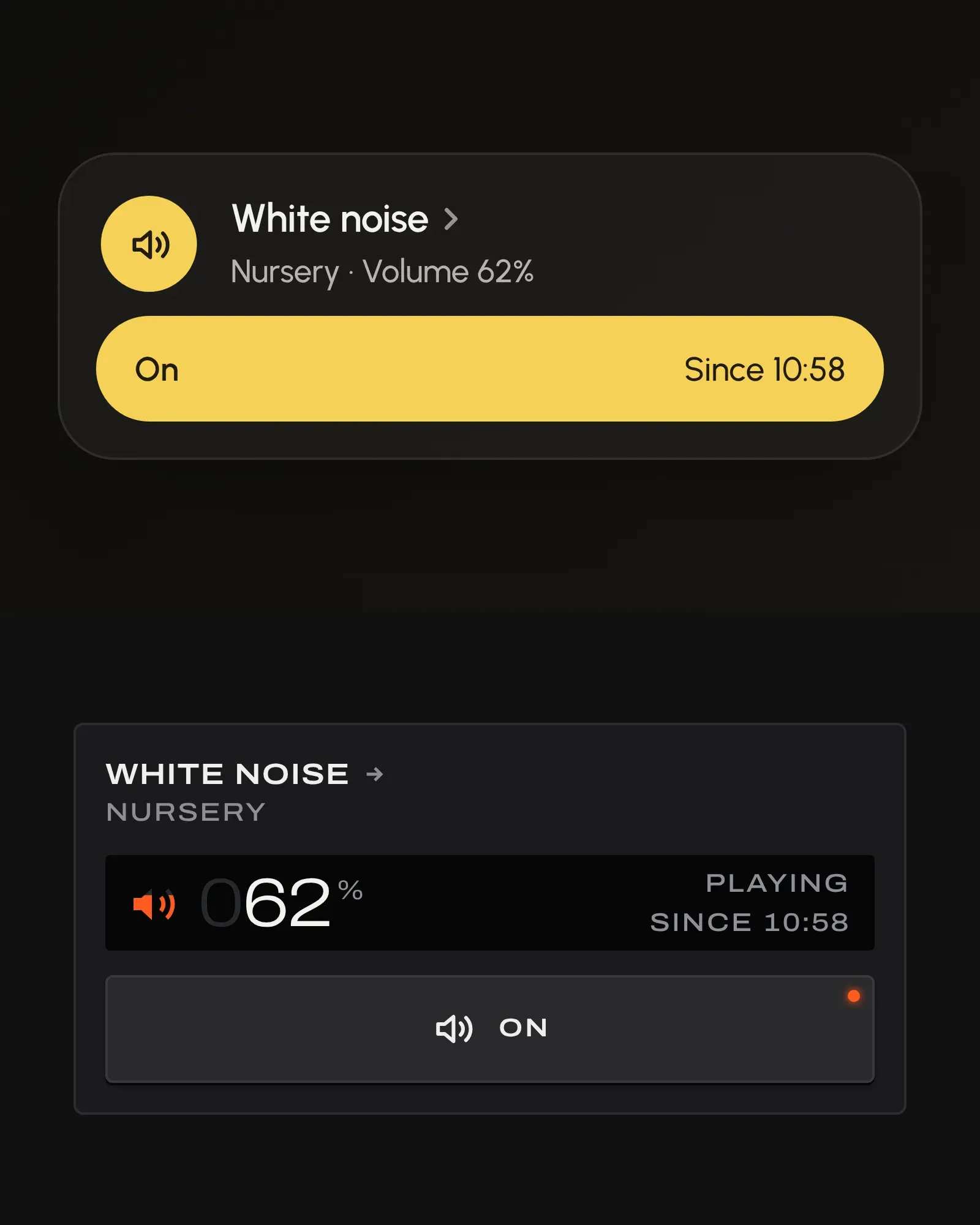
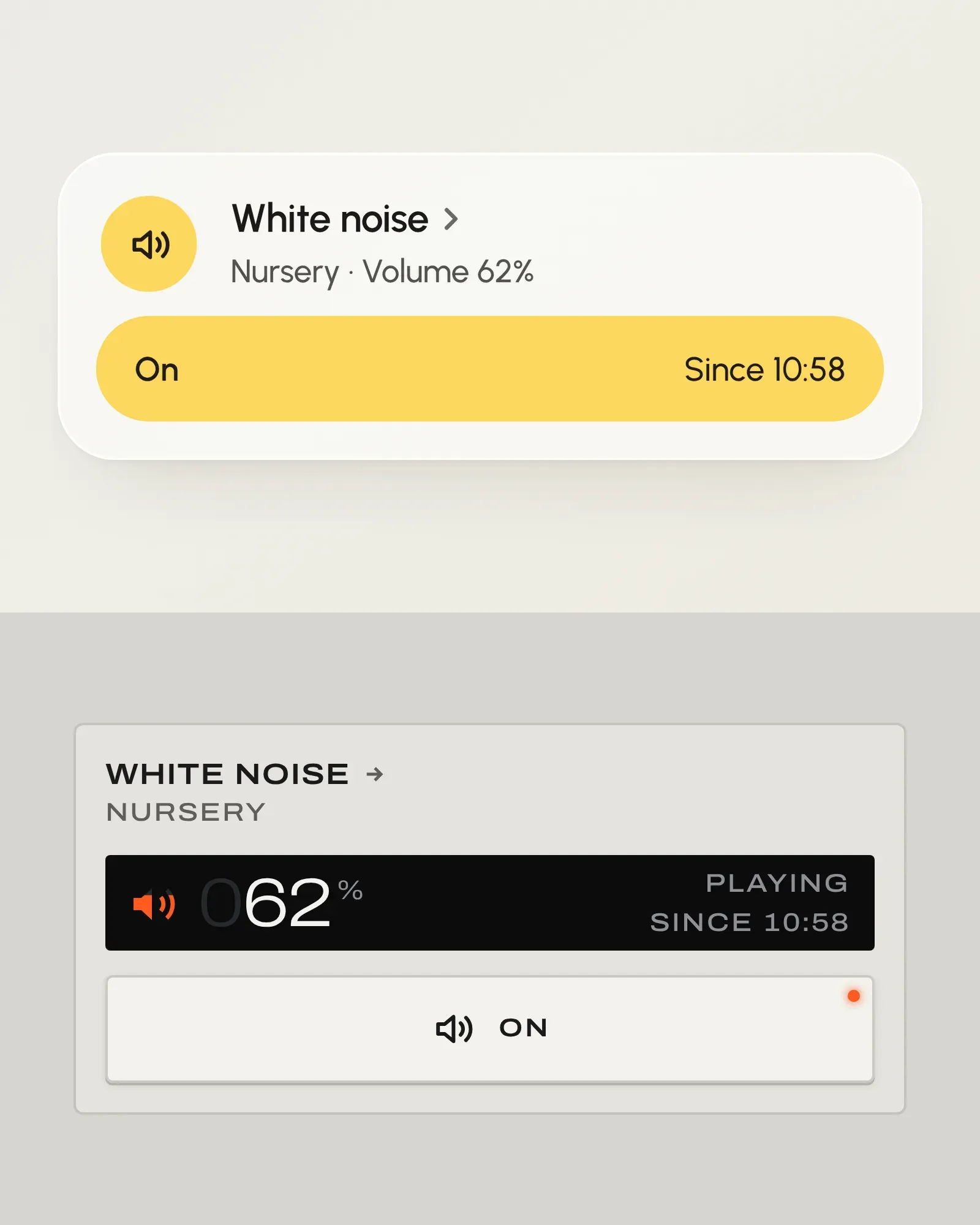
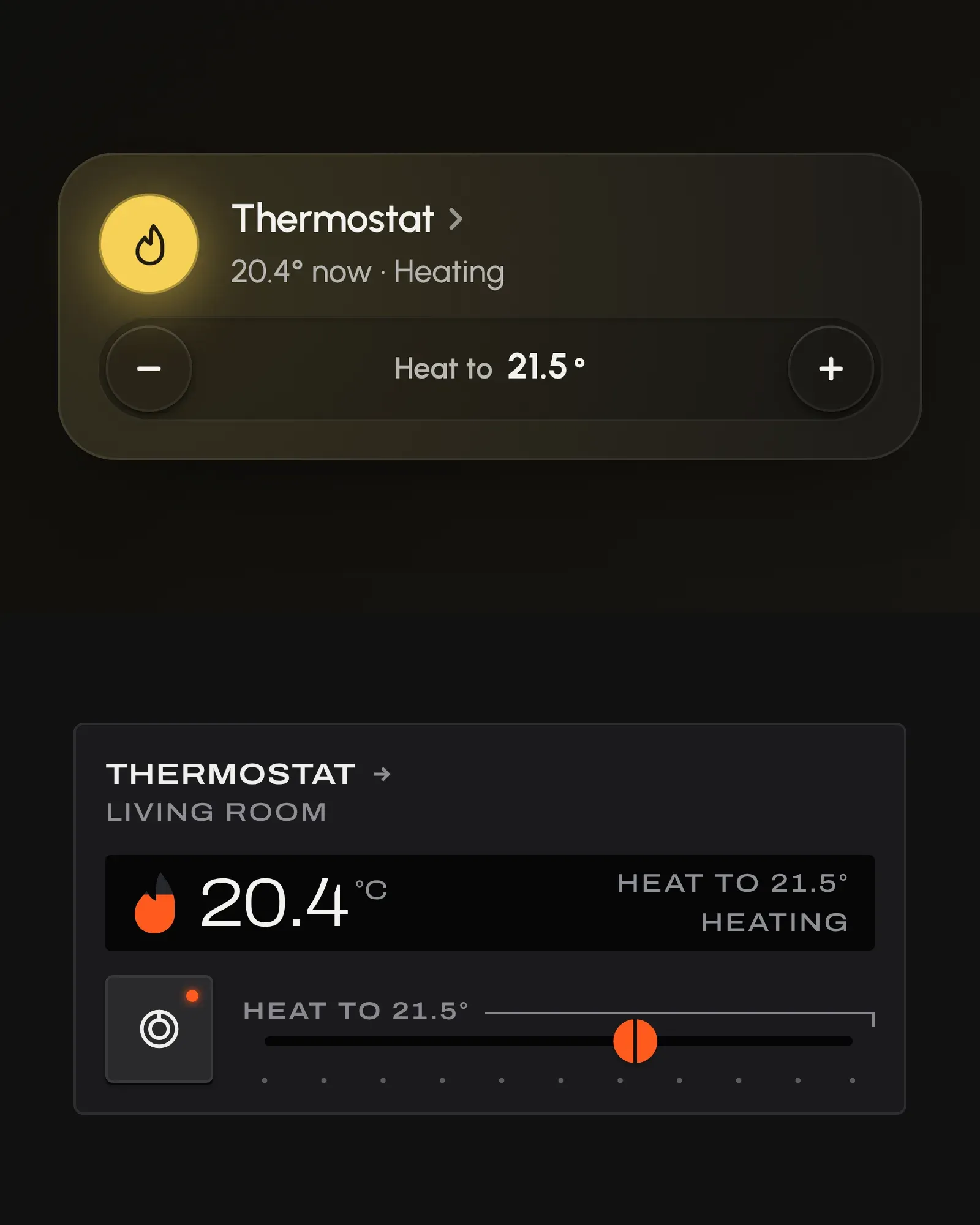
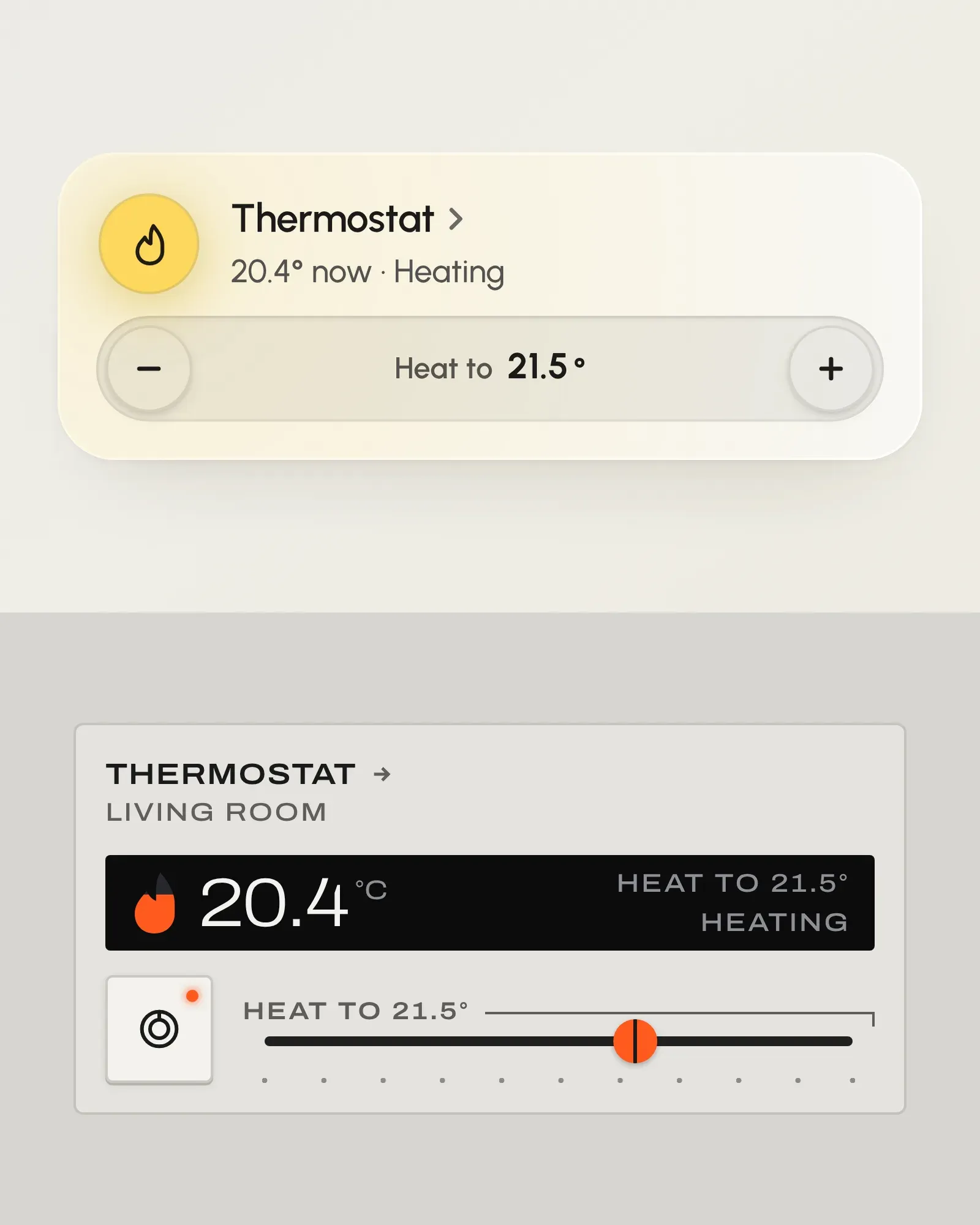
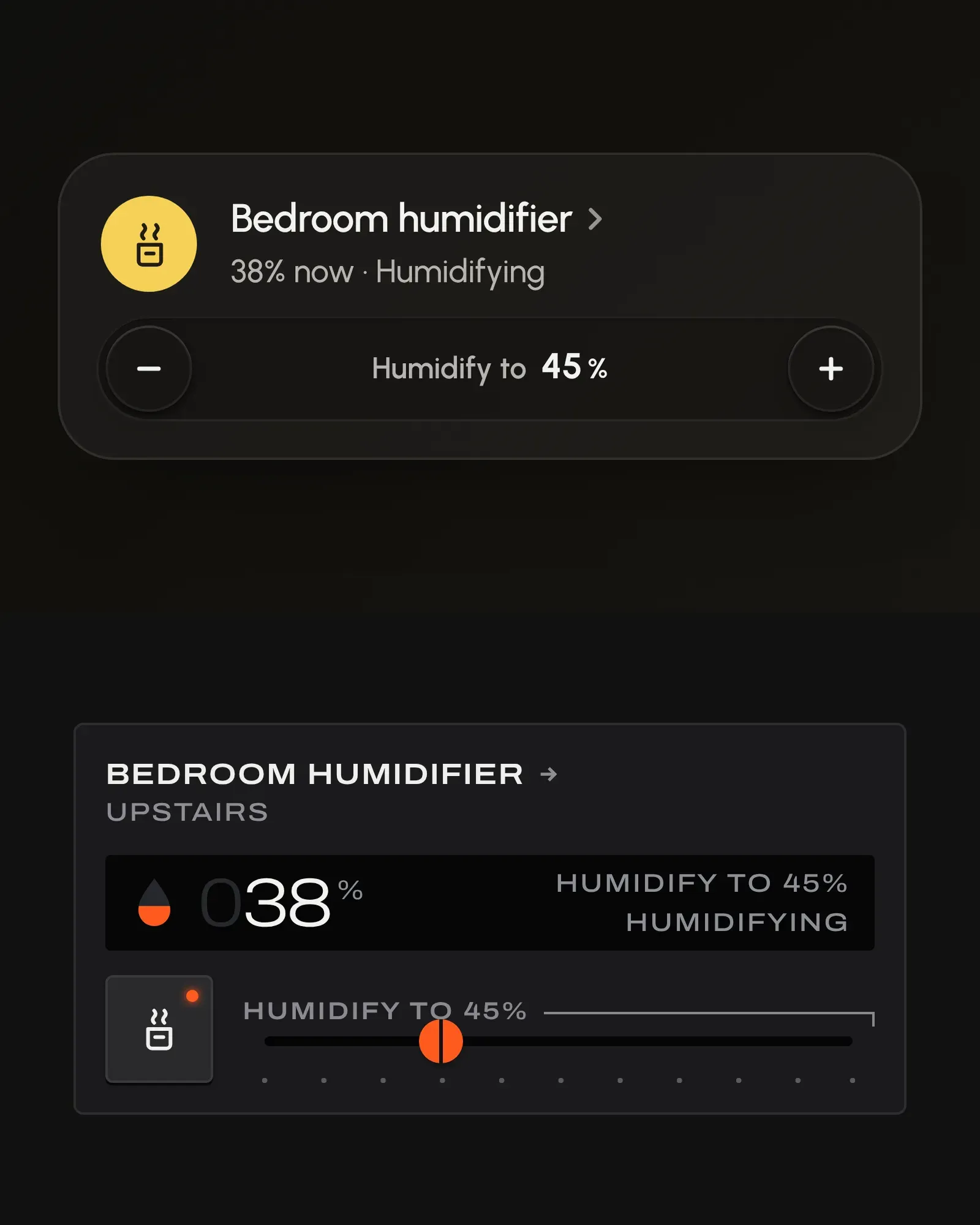
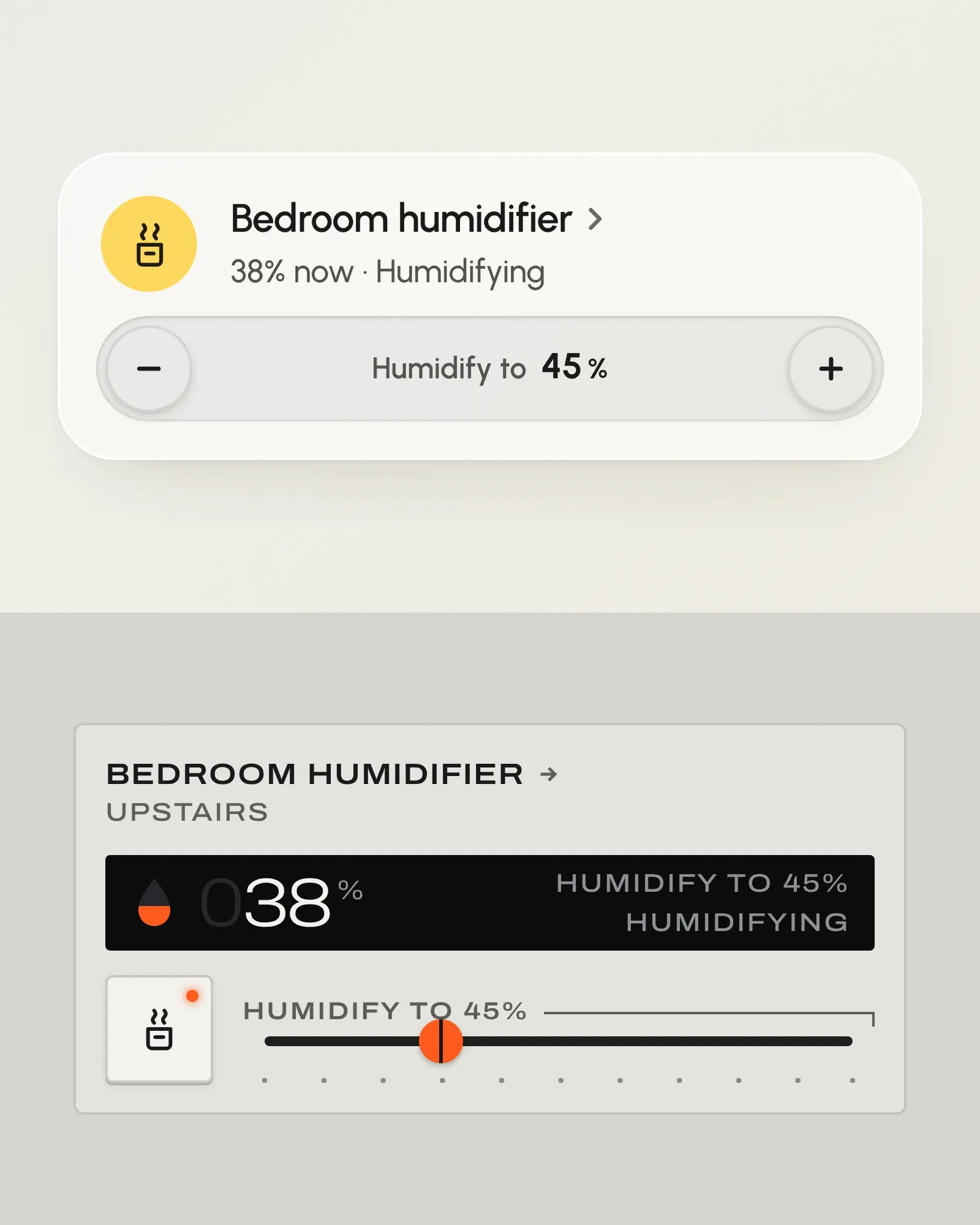
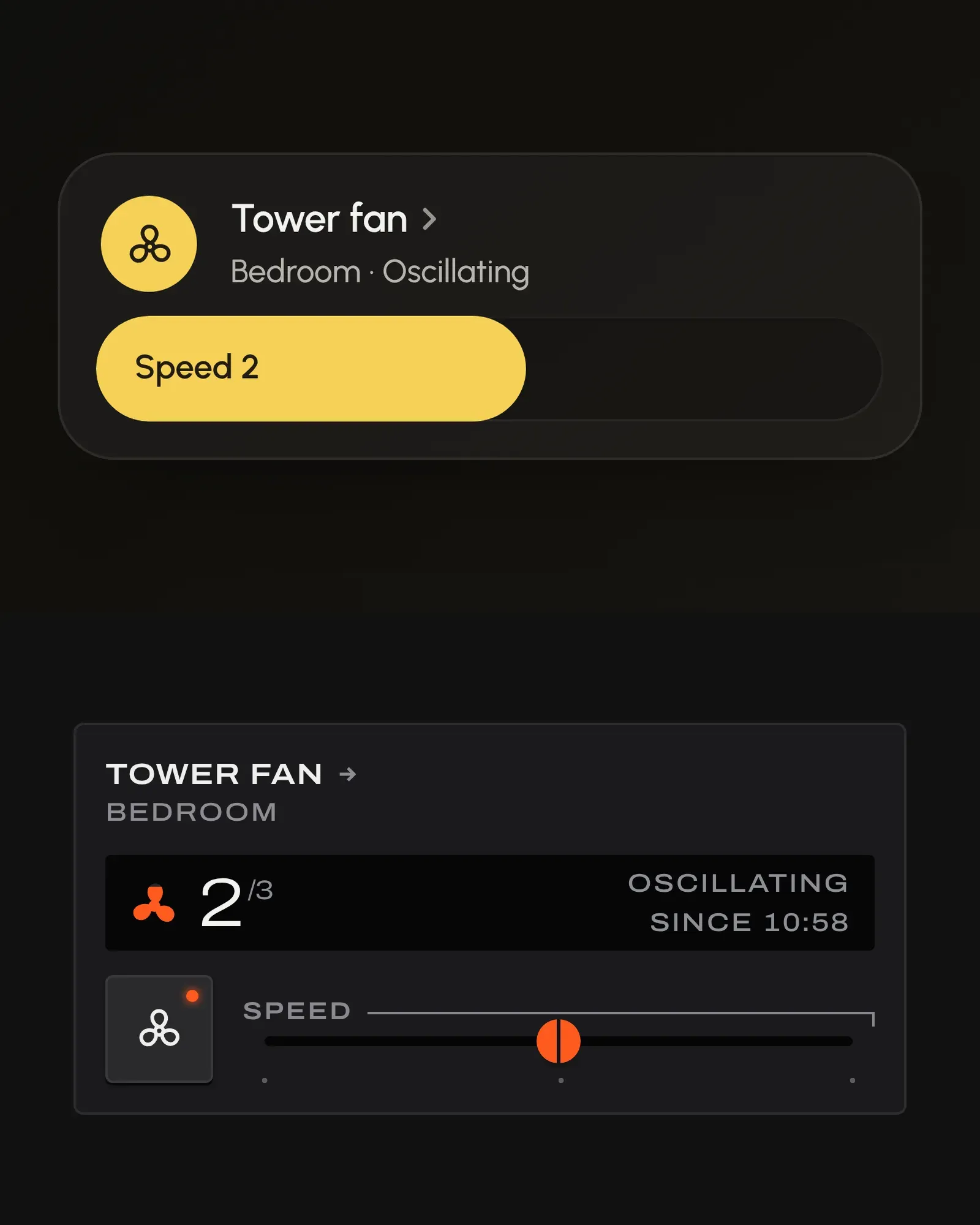
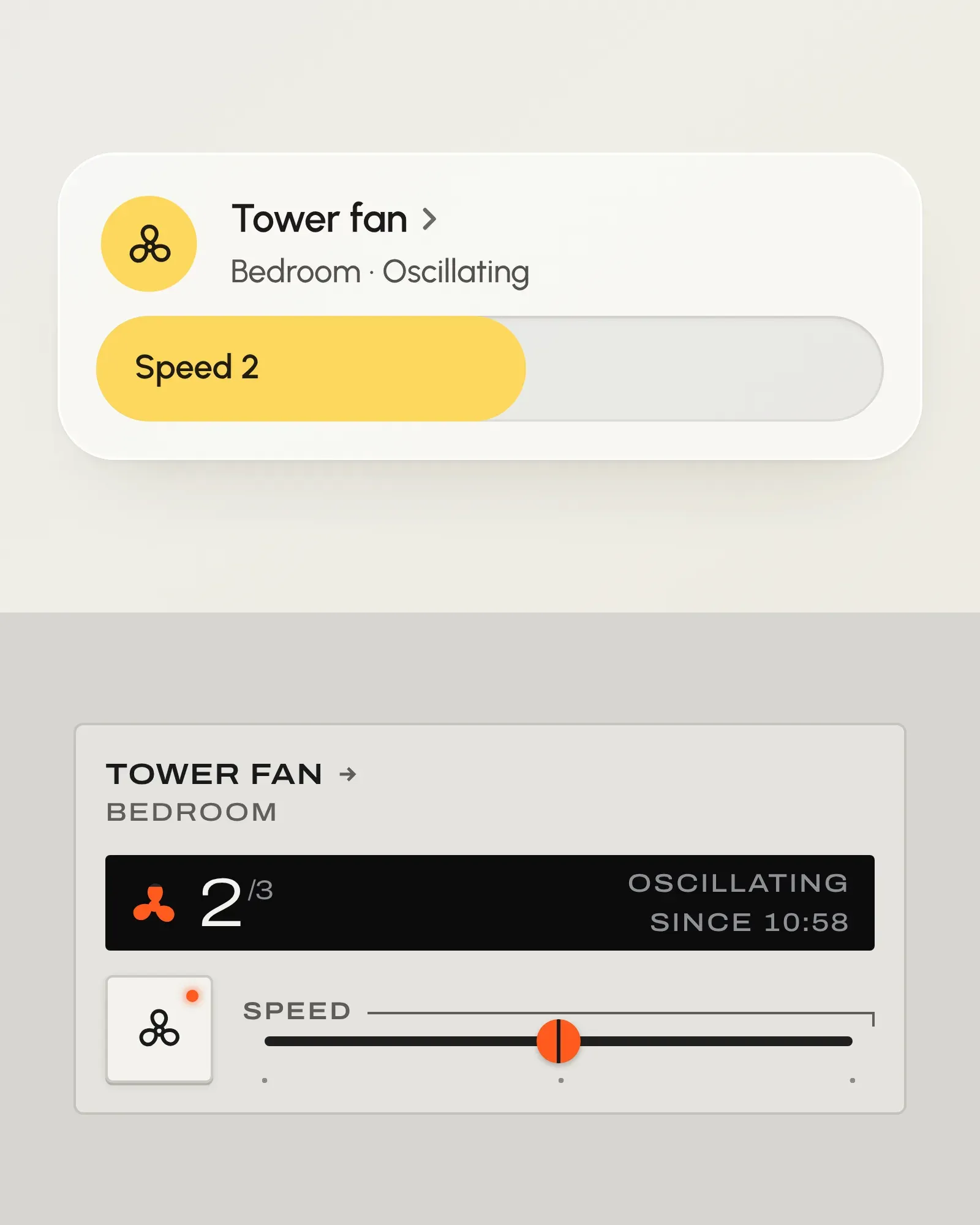
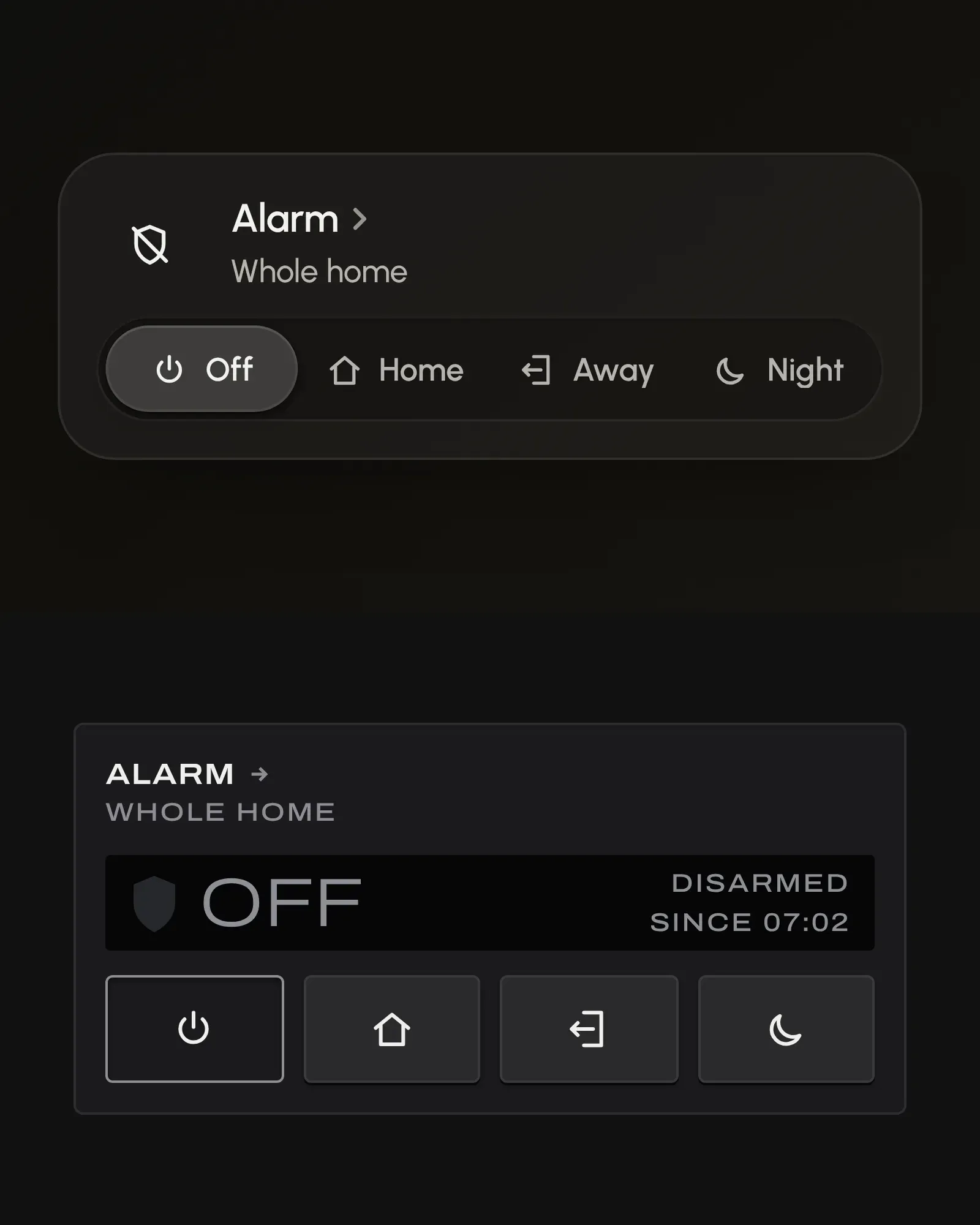
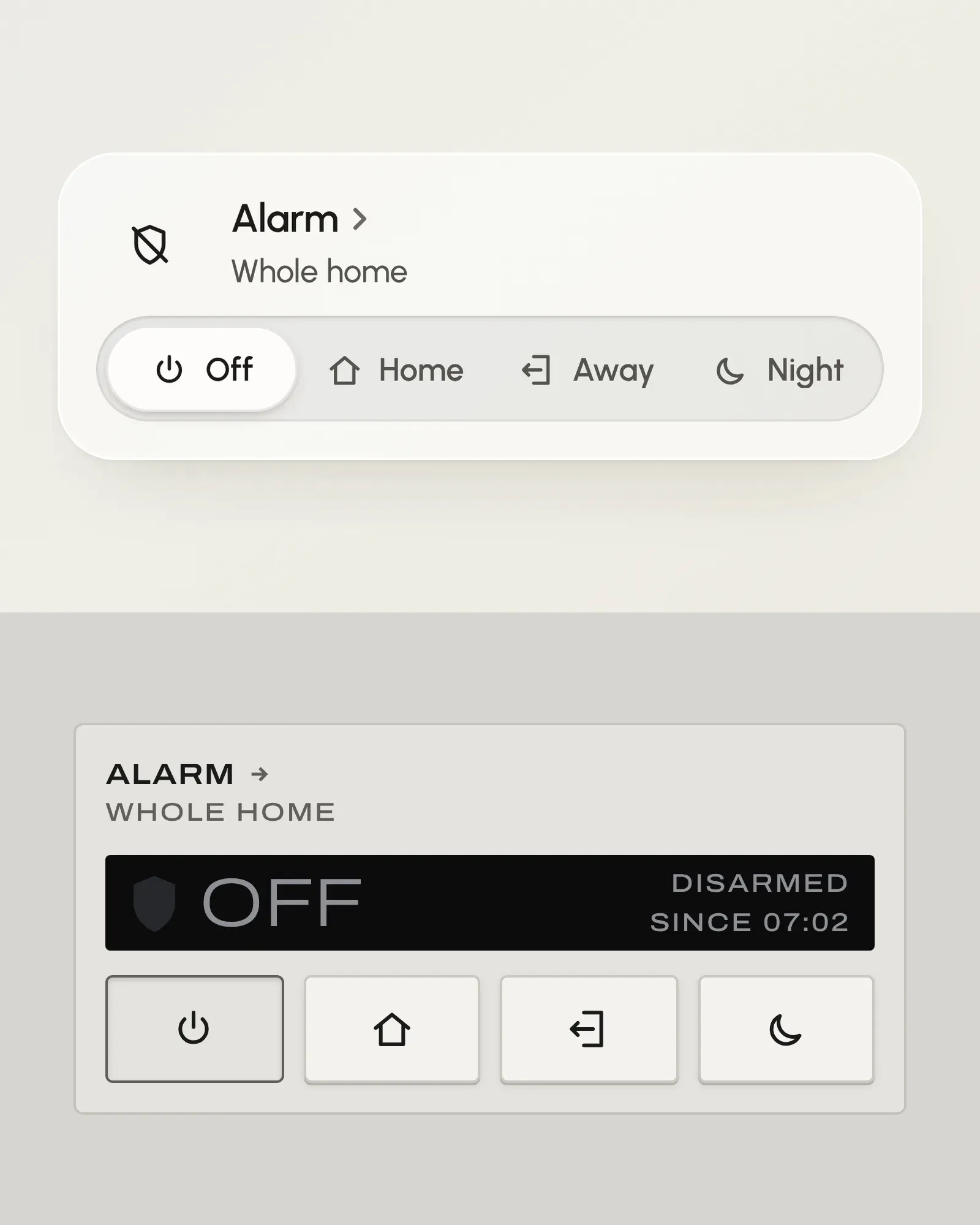
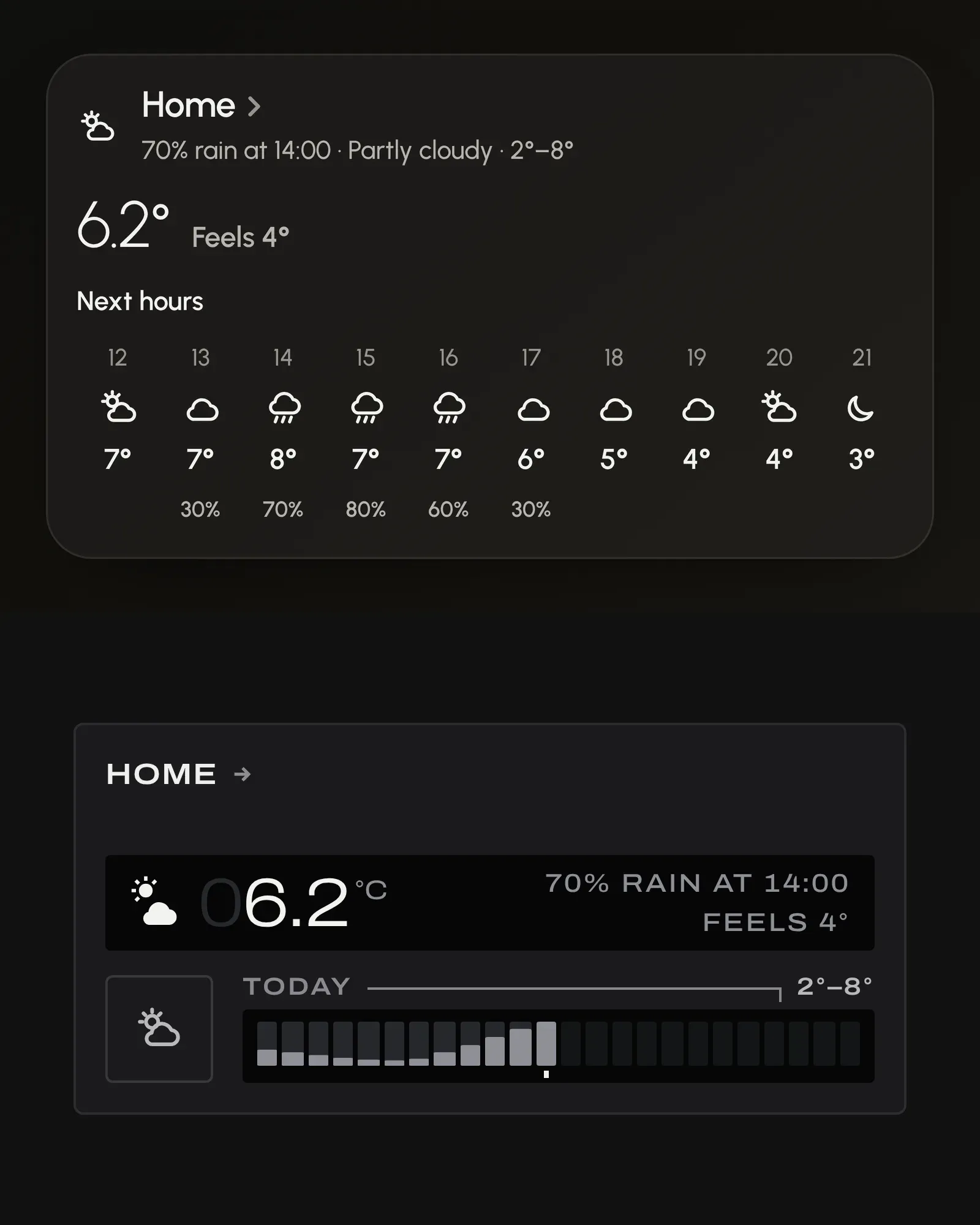
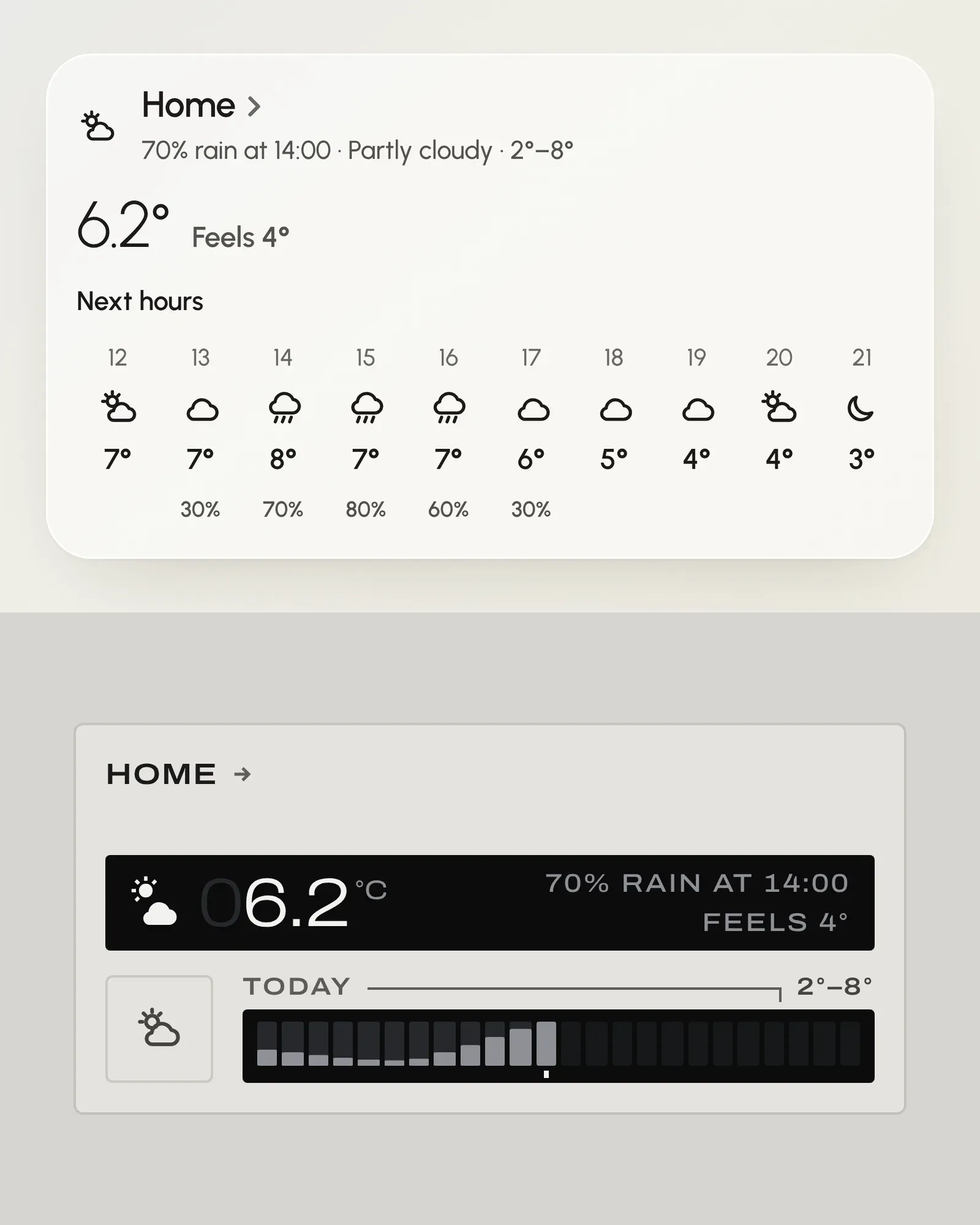
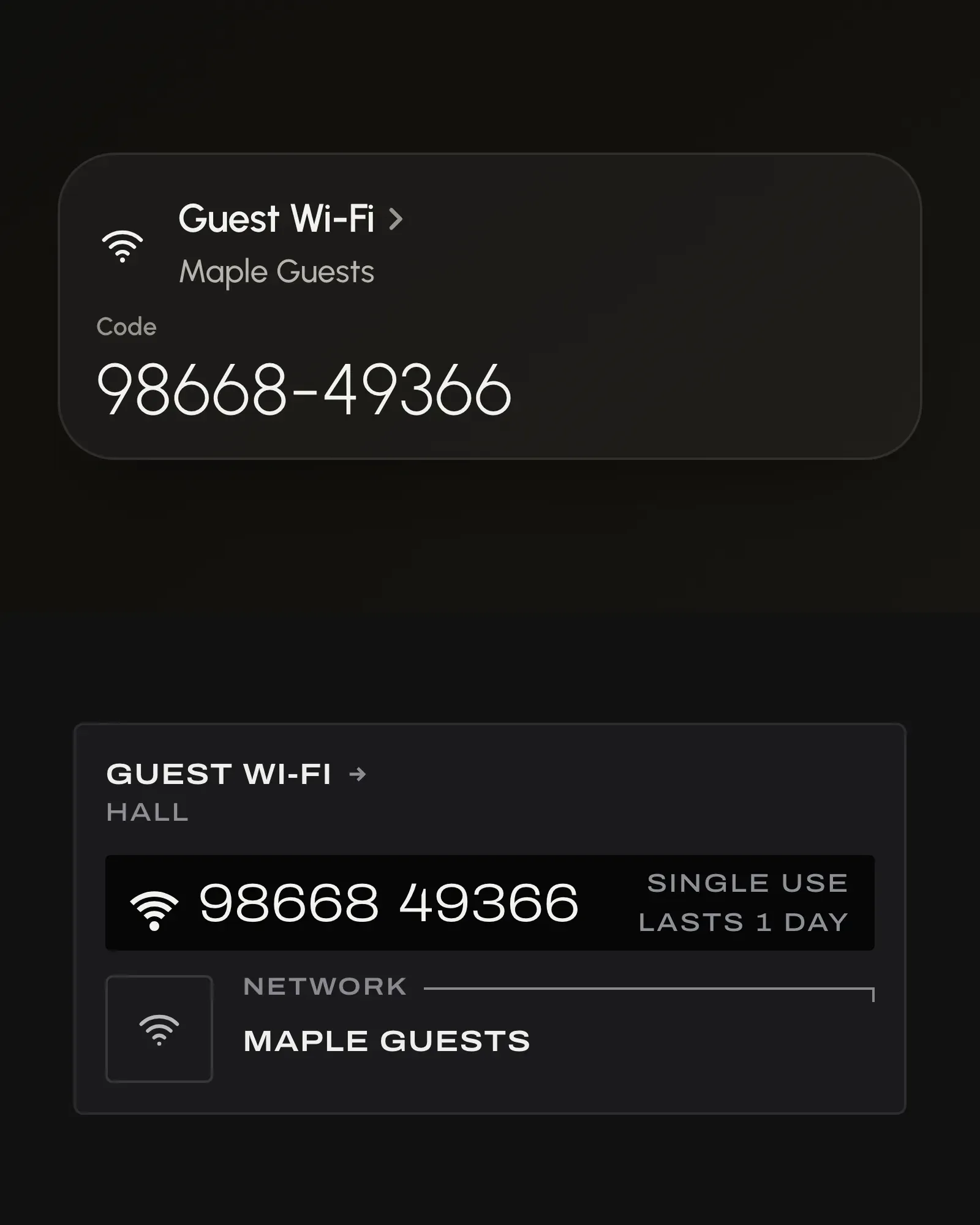
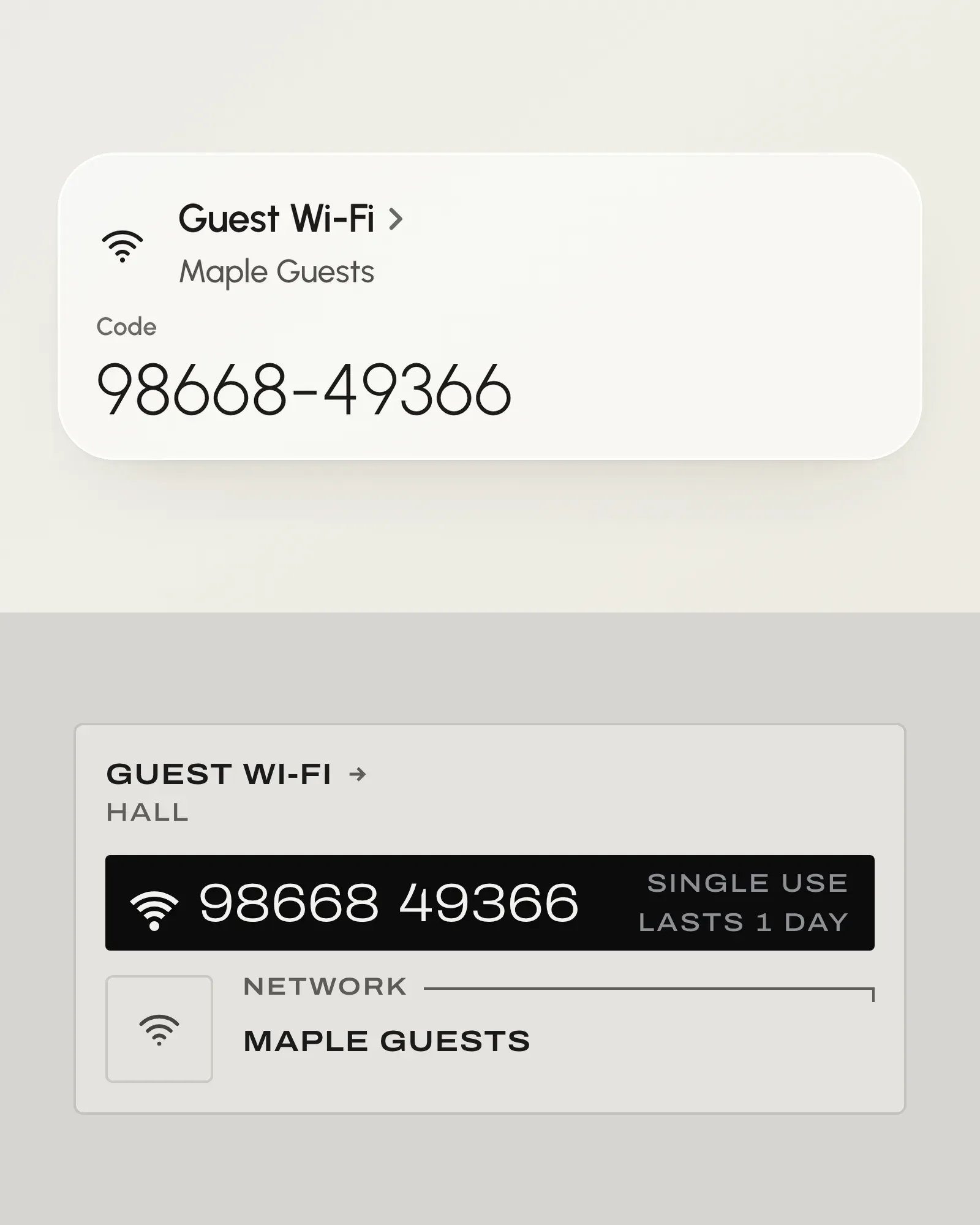
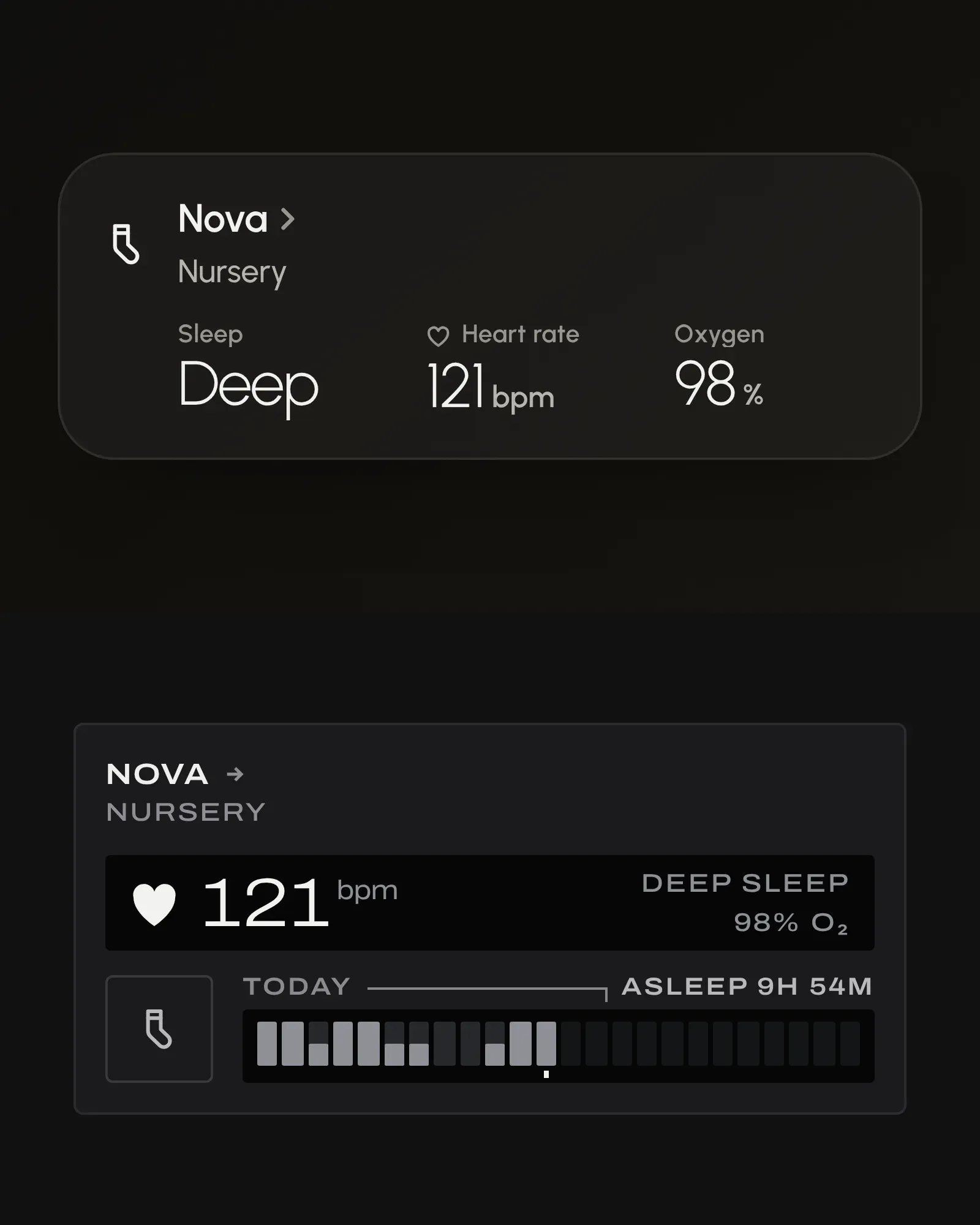
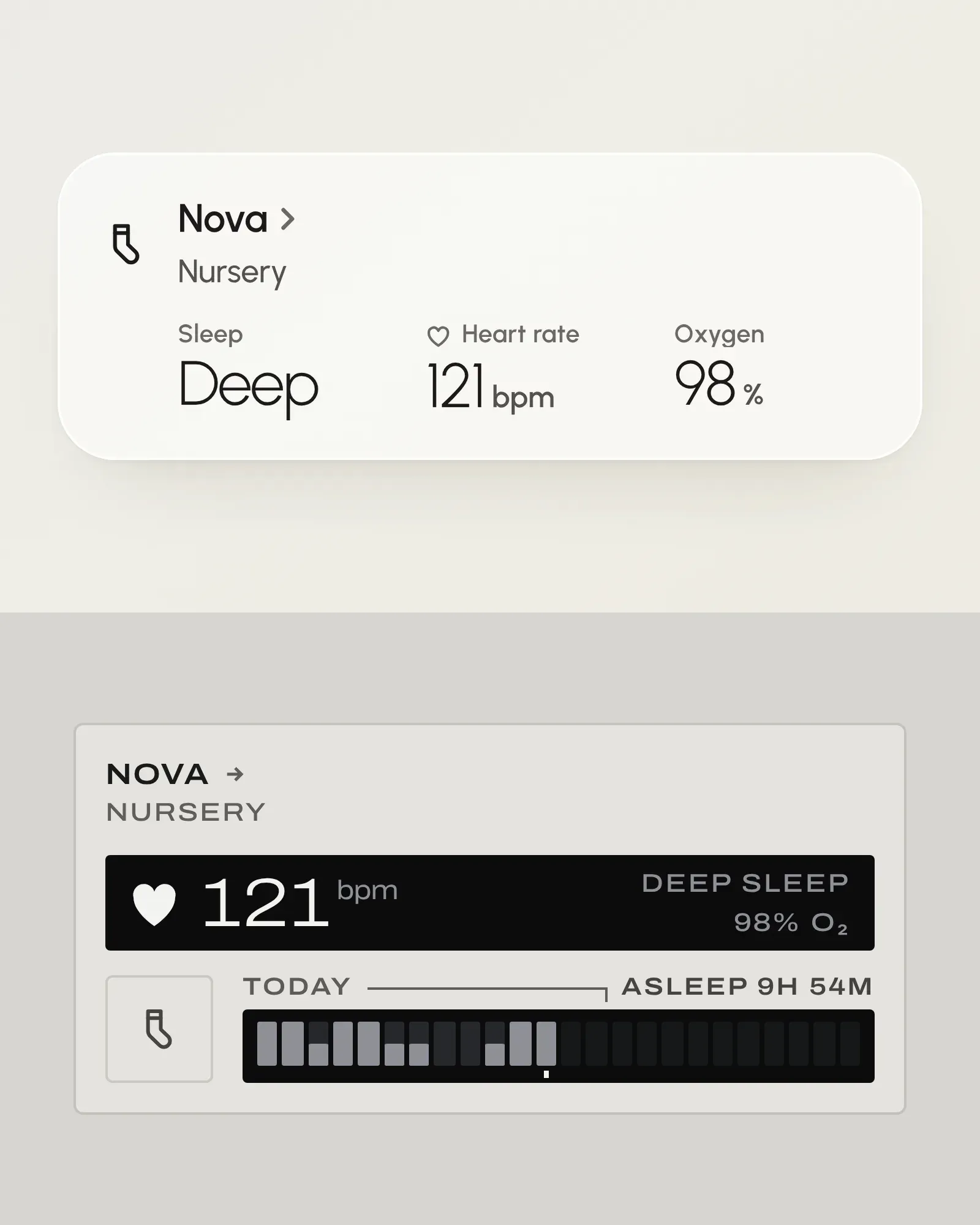
What it draws
Controls
- Light
On and off, brightness, colour temperature and colour.
- Toggle
A switch or input_boolean used as a mode: Guest mode, Do Not Disturb.
- Cover
Curtains, blinds, shades, garage doors and gates.
- Sound
A sound machine: the switch that plays it and its volume.
- Climate
A thermostat, heat pump or air conditioner, its setpoints and modes.
- Humidifier
On and off, a target humidity and a mode. Dehumidifiers too.
- Fan
On and off, its speed, presets, oscillation and a ceiling fan's direction.
- Alarm
Its state, arm modes, the code and the exit and entry delays.
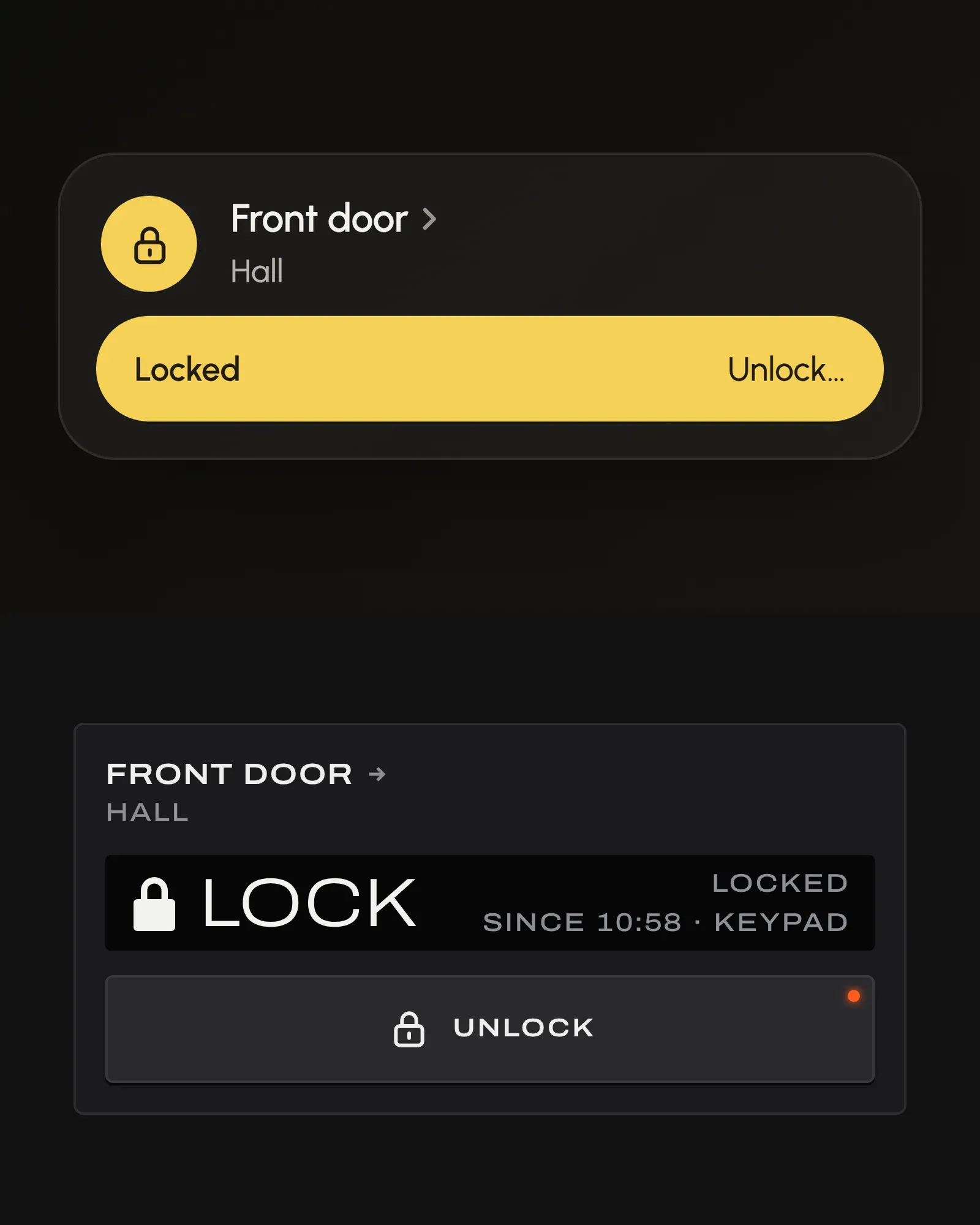
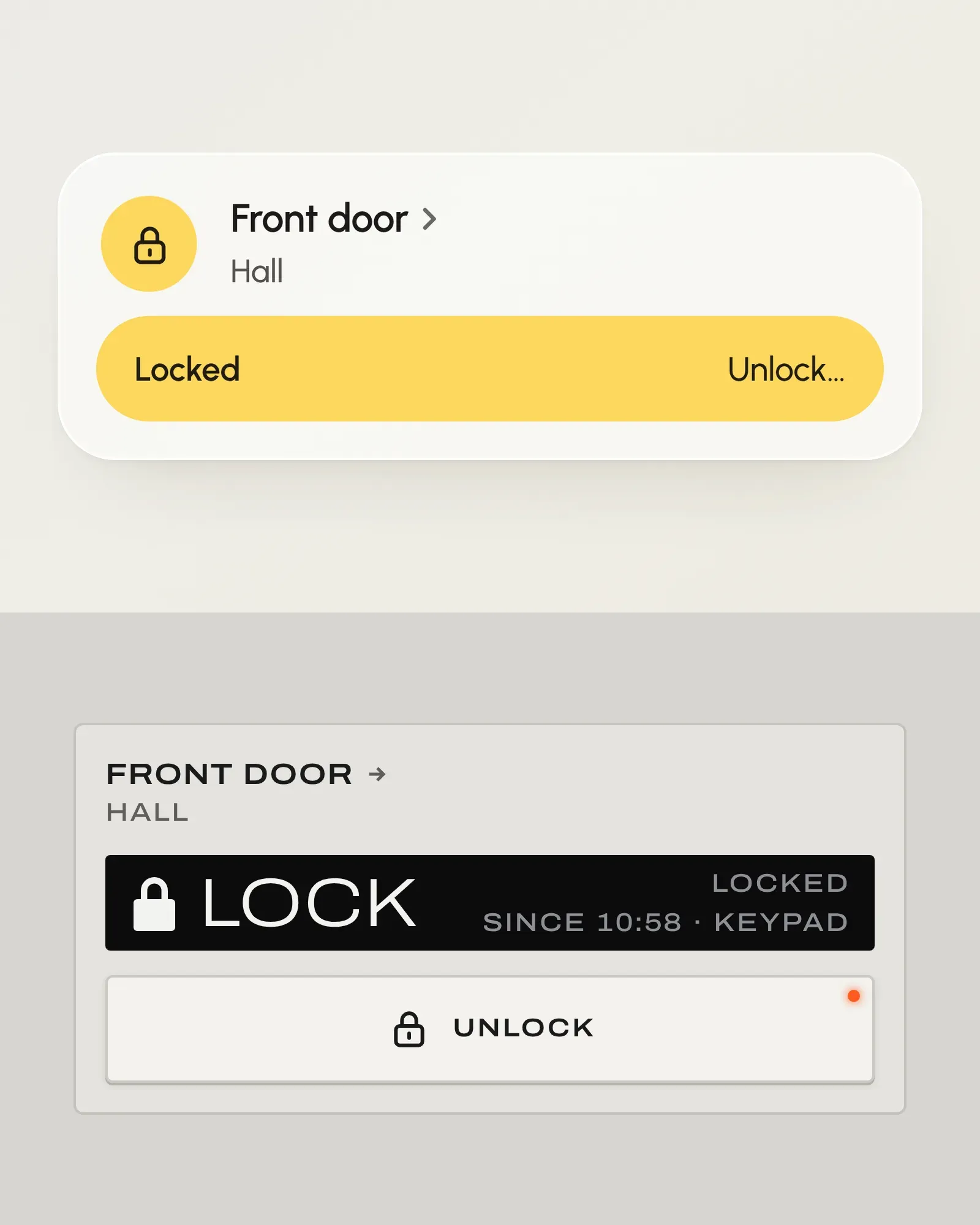
- Lock
A door lock and its battery: one tap locks, unlocking always asks first.
Readings
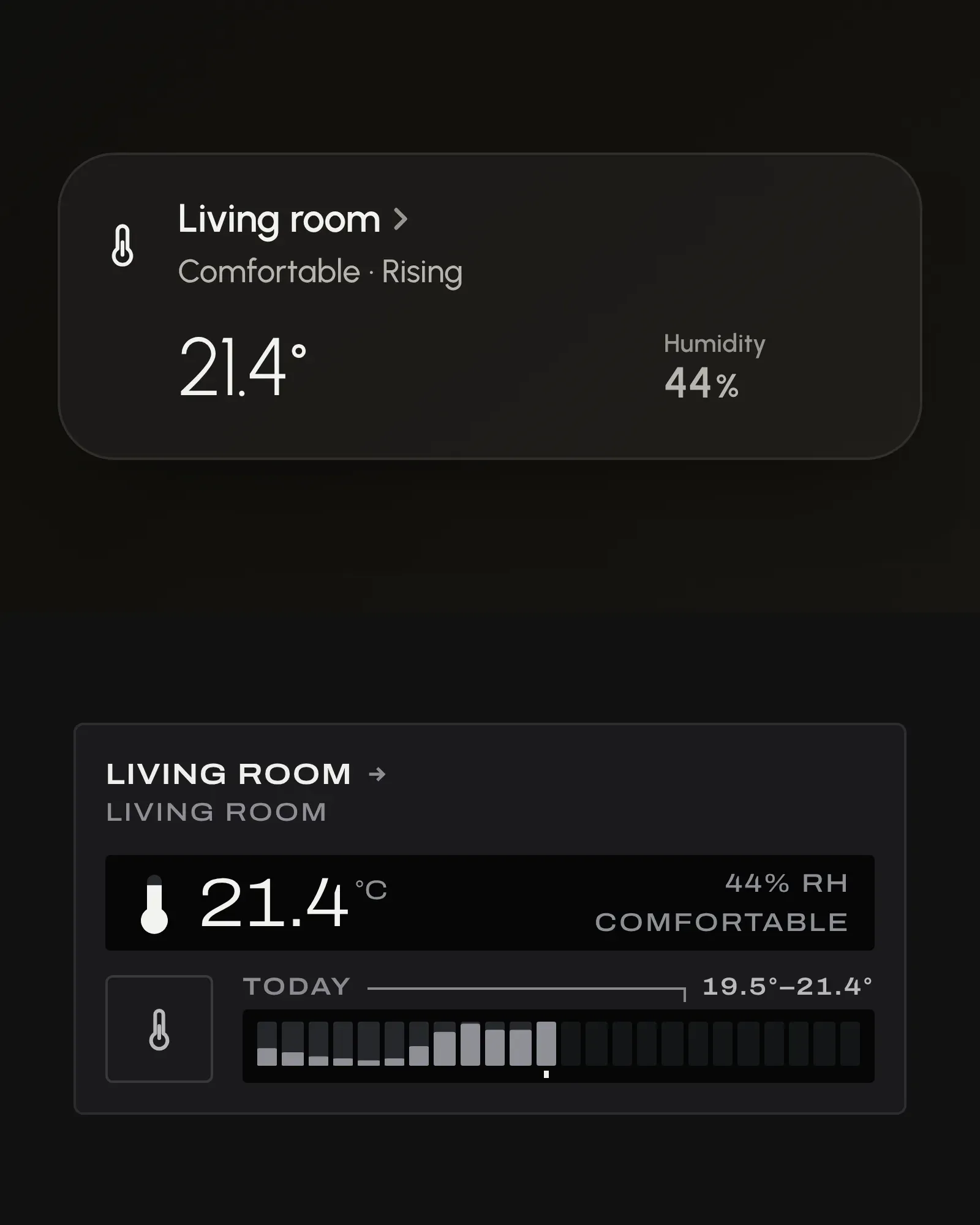
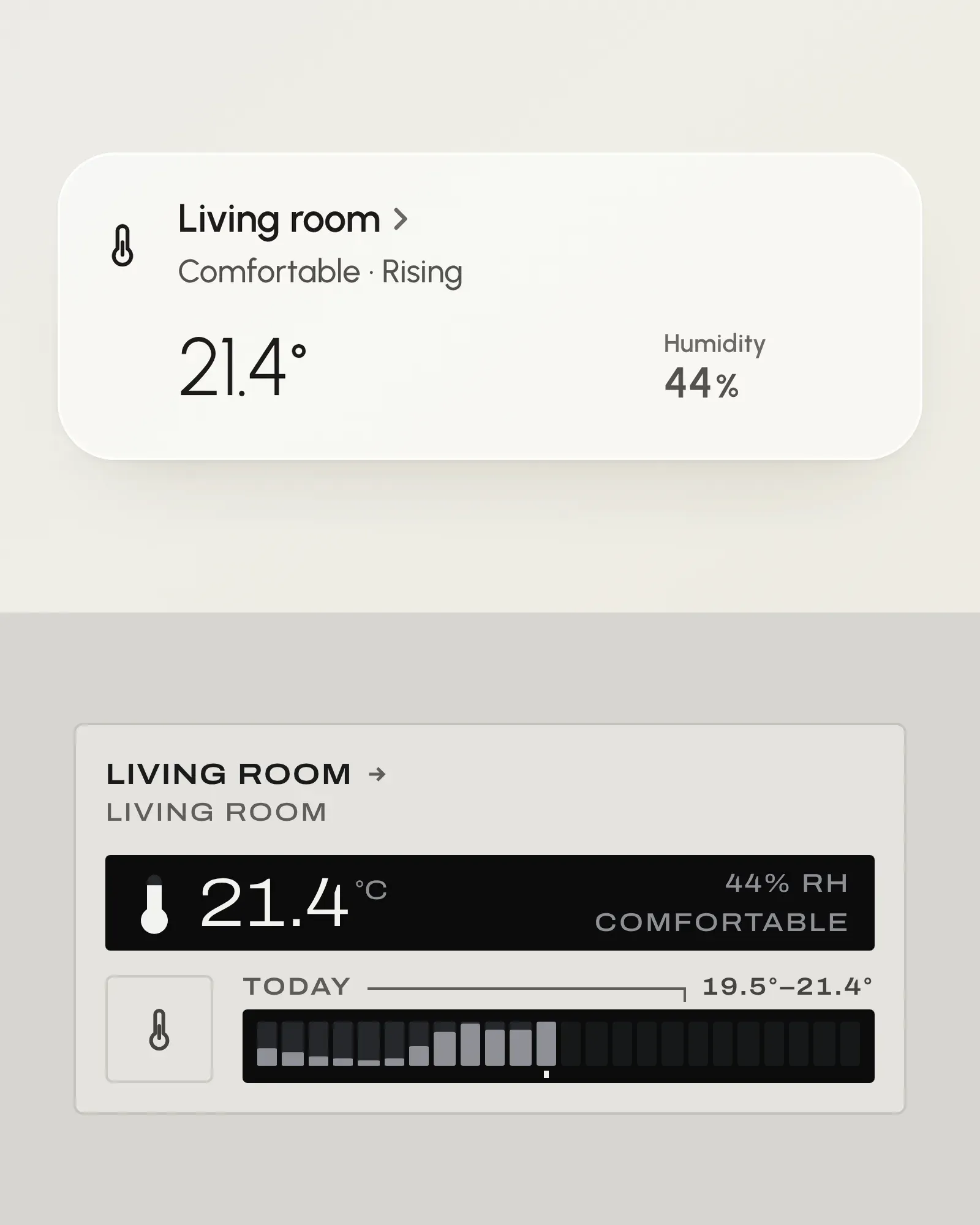
- Sensor
A room's temperature, read with its device's humidity and battery.
- Weather
Outdoor conditions, air quality, the sun and the forecast.
- Guest Wi-Fi
A guest network, its code or password and its join QR code; refresh it or make a new one.
- Owlet
A sock's sleep state, heart rate, oxygen, alerts and base station.
Why Dashhaus
The whole caseIt holds still
A card never changes height when its state changes, so nothing jumps when a light turns on. The same dashboard reads on a phone in your hand and a wall panel across the room.
It lays itself out
With no YAML at all, it groups your house by area and keeps up as you add devices. When you want your own order, you write it in Home Assistant's own editor.
It stays in your house
It uses Home Assistant's own signed-in connection: there's no token in it and no account to make. Free and open source, under the MIT licence.
Build on it
- Build a skinFor authors
npm create dashhaus-skinA whole look of your own, with no code to write: show an AI agent a picture and paste one prompt. Or scaffold it yourself, with tests, a one-file build and a deploy. - Use the hooksFor developers
useHaLight("light.living_room")@dashhaus/core in your own React app: every entity as a plain model and its actions, no skin needed. - ContributeFor contributors
npm run checkChange Orb or Field, draw a new kind of entity for both, or improve the packages.